Octane渲染器常见八大弹窗错误问题汇总
摘要: 收集了oc渲染器的八大常见弹窗问题,并附解决办法,如Octane文件丢失、未查询到显卡设备 、网络错误、账号或密码不正确 、网络连接错误或者是防火墙 、身份验证未成功 、找不到许可证或者是订阅已过期以及OC安装成功 ...
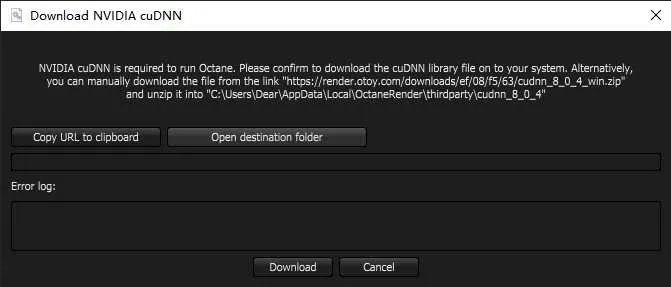
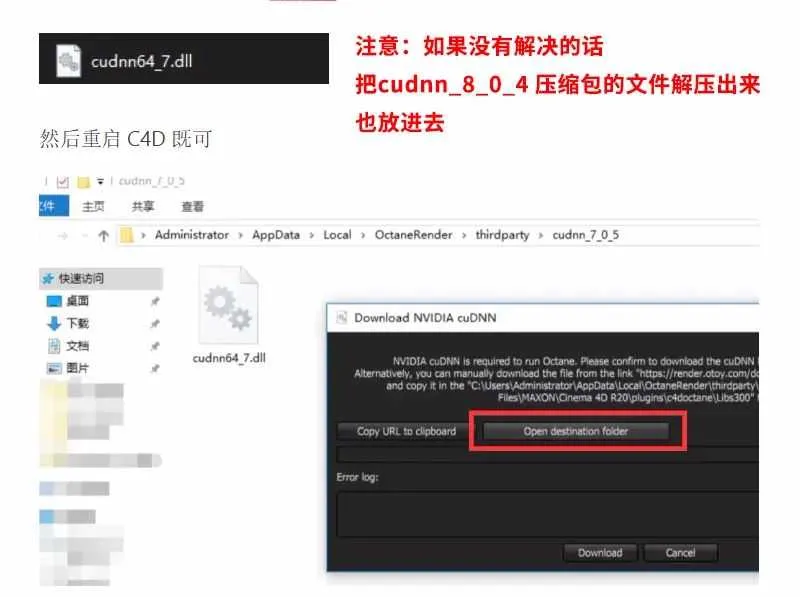
OC渲染器错误弹窗一:octane文件丢失C4D R23 Octane 2020.2错误弹窗Download NVIDIA cuDNNNVIDIA cuDNN is required to run Octane. Please confirm to download the cuDNN library file on to your system. Alternatively,you can manually download the file from the link "https://render.otoy.com/downloads/ef/08/f5/63/cudnn_8_0_4_win.zip" and unzip it into "C:\Users\Dear\AppData\Local\OctaneRender\thirdparty\cudnn_8_0_4" Copy URL to dipboard Open destination folder
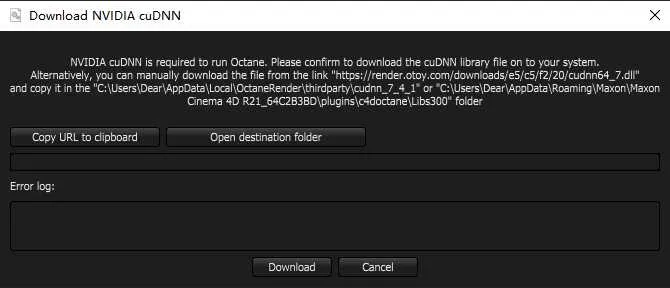
C4D R21 Octane 2020.1错误弹窗Download NVIDIA cuDNNNVIDIA cuDNNis required to run Octane. Please confirm to download the cuDNN library file on to your system.Alternatively, you can manually download the file from the link "https://render.otoy.com/downloads/e5/c5/f2/20/cudnn64_7.dll" and copy it in the "C:\Users\Dear\AppData\Local\OctaneRender\thirdparty\cudnn_7_4_1" or "C:\Users\Dear\AppData\Roaming\Maxon\Maxon Cinema 4D R21_64C2B3BD\plugins\c4doctane\Libs300" folder Copy URL to cipboard Open destination folder
解决方法一: 直接点击Download,等待即可(需要加速网络)。 解决方法二: 点击 Open destination folder 按钮 会看到弹出一个文件夹 把压缩包全部解压出来把 “ cudnn64_7.dll ” “cudnn_cnn_infer64_8.dll ” “cudnn_ops_infer64_8.dll” 文件复制到弹出的文件夹里面
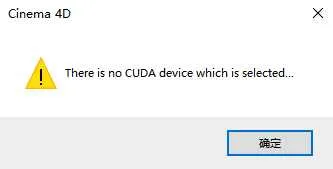
(如果失效可点击文章末下载) OC渲染器错误弹窗二:未查询到显卡设备There is no CUDA device which is selected...
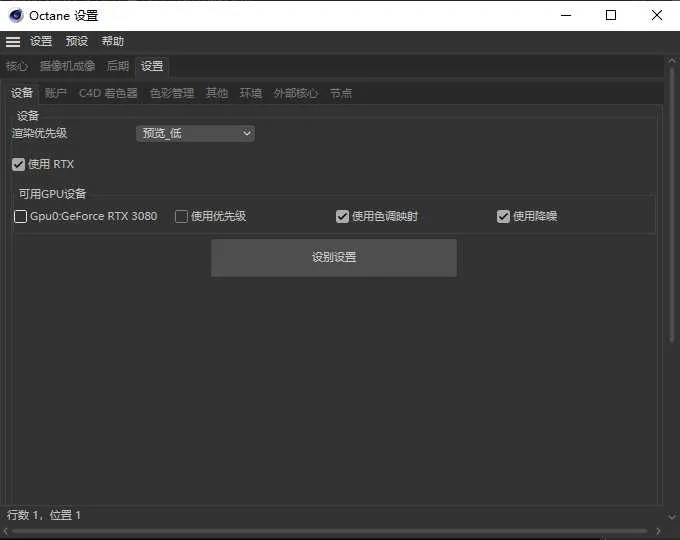
在Octane设置——设置——设备——勾选显卡。
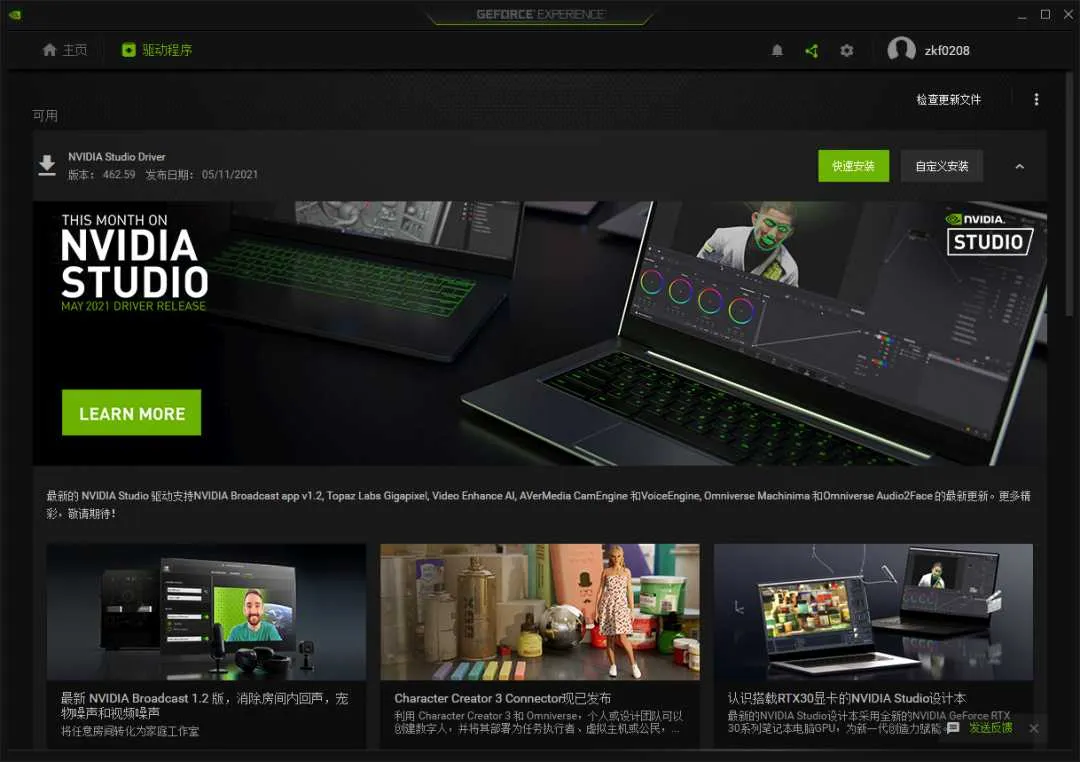
解决办法二: 更新显卡驱动。 检查更新文件,下载安装⒵新的Studio驱动。 https://www.nvidia.cn/geforce/geforce-experience/
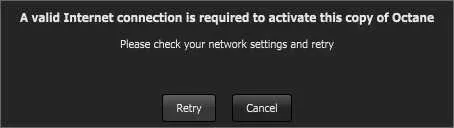
OC渲染器错误弹窗三:网络错误A valid Internet connection is required to activate this copy of OctanePlease check your network settings and retry
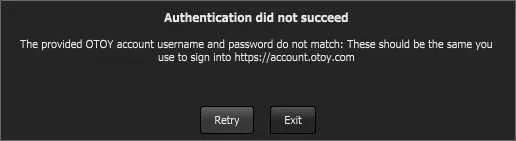
解决方法: 检查自己的网络环境,可以使用360断网急救箱,修复网络。 OC渲染器错误弹窗四:账号或密码不正确Authentication did not succeedThe provided OTOY account username and password do not match: These should be the same you use to sign into https://account.otoy.com
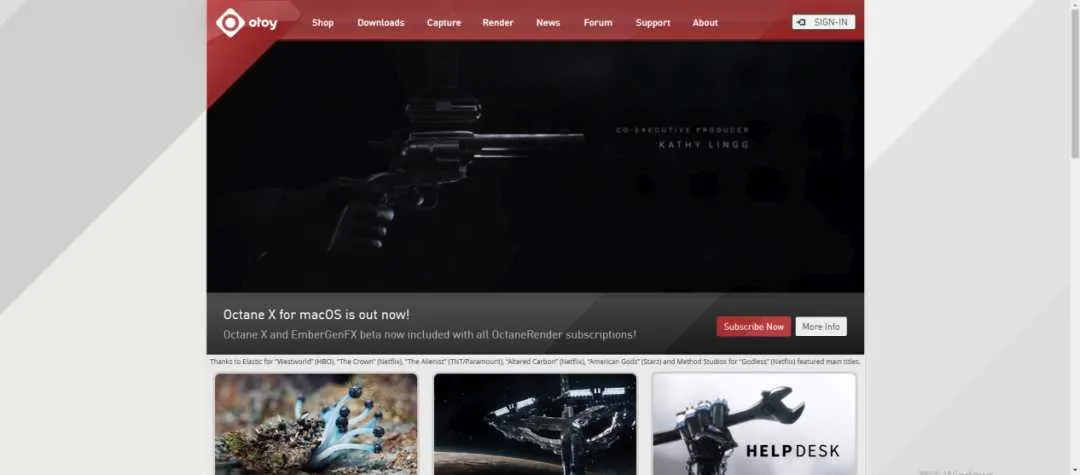
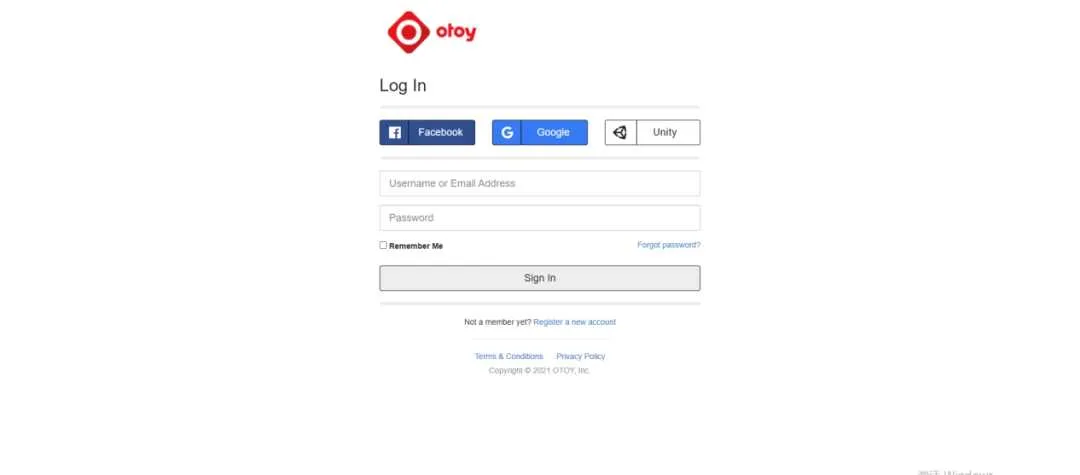
解决方法一: 可能你的账号密码输错了,重新输入即可。 解决方法二: 实在登录不上,可能你忘了自己的账号密码,这时候就要登录Octane官网点击登录(SIGN-IN),然后再点击忘记密码(Forgot password)进行更改密码。
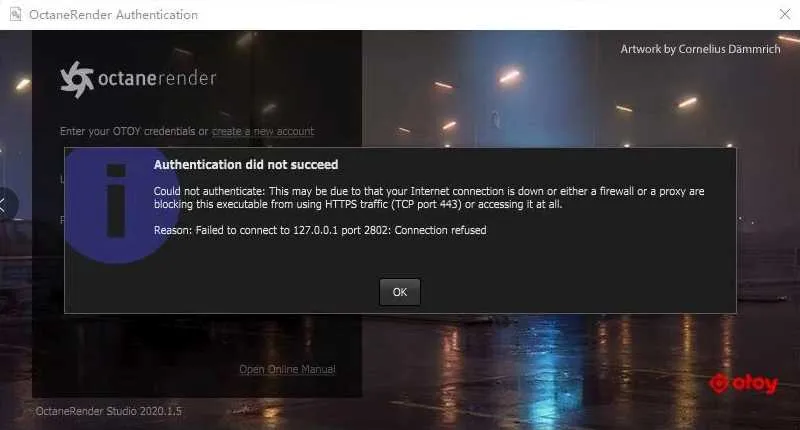
OC渲染器弹窗五:网络连接错误或者是防火墙Enter your OTOY credentials or create a new accountAuthentication did not succeed Could not authenticate: This may be due to that your Internet connection is down or either a firewall or a proxy are blocking this executable from usingHTTPS traffic (TCP port 443) or accessing it at all. Reason: Failed to connect to 127.0.0.1 port 2802: Connection refused
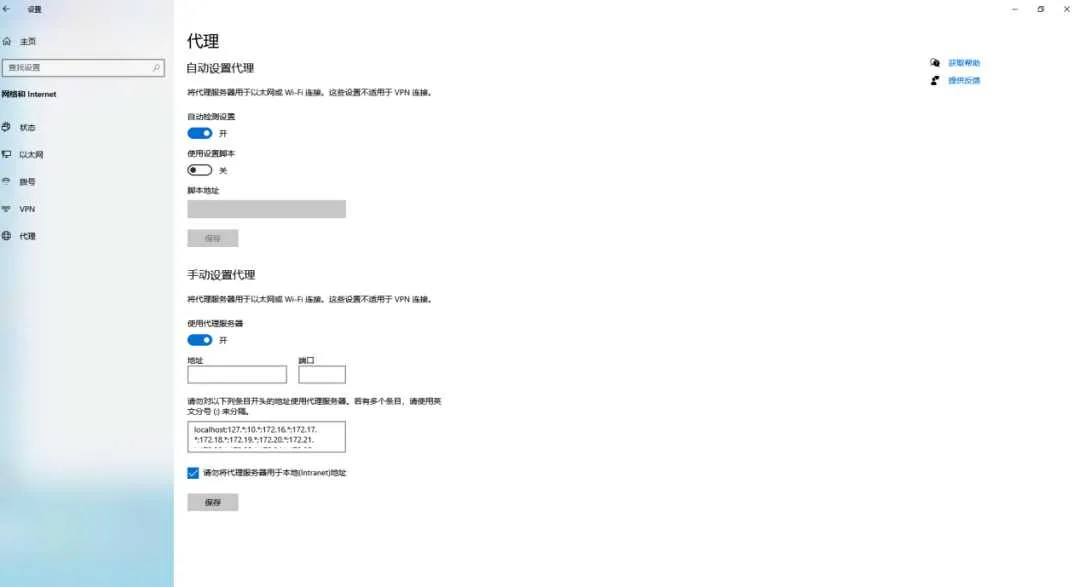
解决方法一: 关闭网络加速,网络—打开网络和Internet设置—代理—关闭手动设置代理。
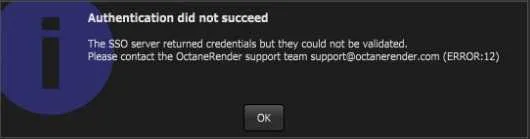
解决方法二: 关闭防火墙。 OC渲染器错误弹窗六:身份验证未成功Authentication did not succeedThe SSO server returned credentials but they could not be validated. Please contact the OctaneRender support team support@octanerender.com(ERROR:12)
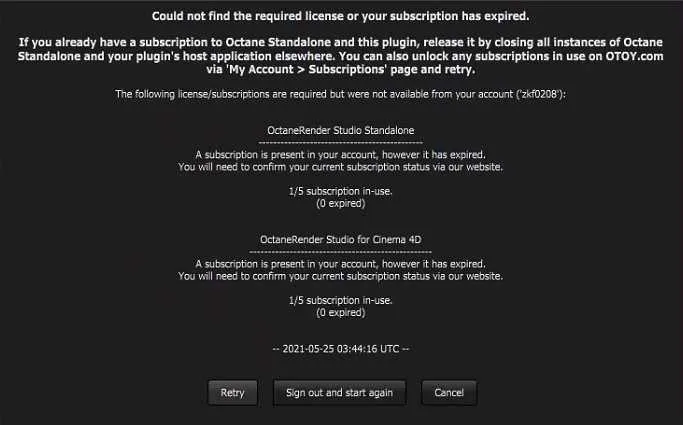
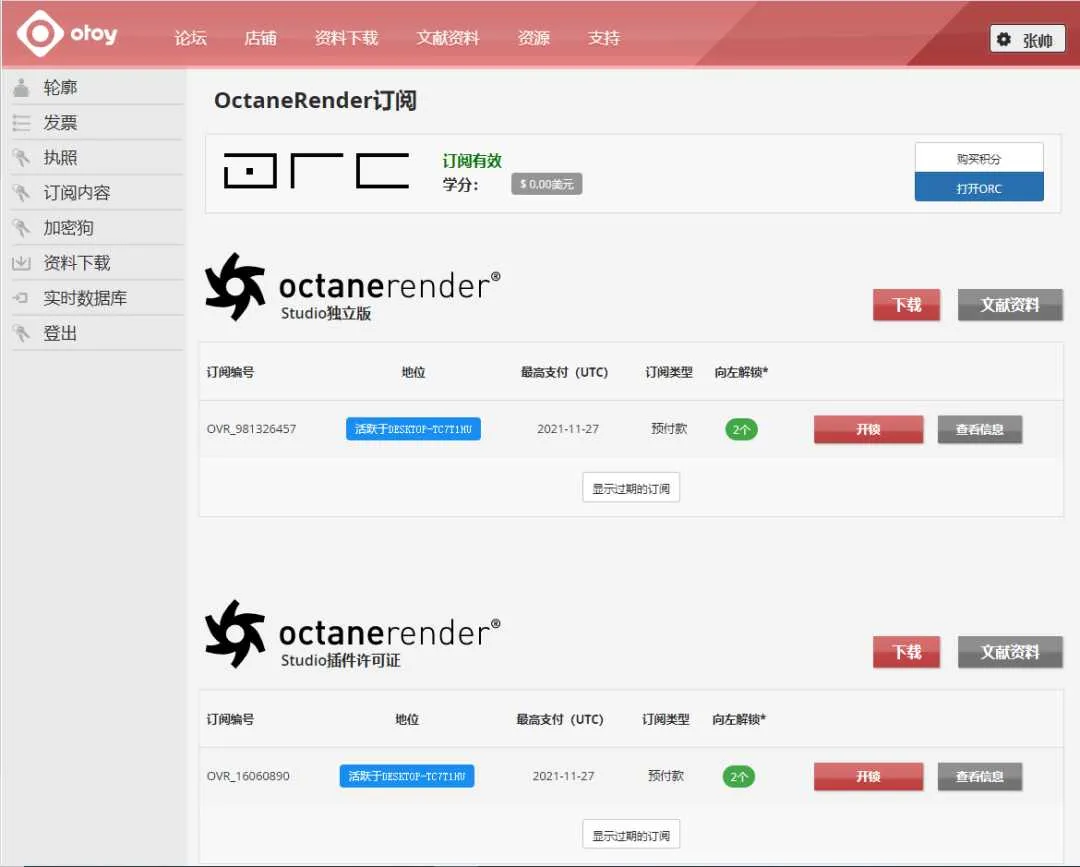
解决方法: 之前安装过和谐版OC ,hosts文件被修改过,需要下载默认hosts替换掉被修改过的hosts。 在电脑中找到在C:\windows\system32\drivers\etc路径,在目录下用记事本新建hosts.txt文件,保存后,把文件重命名删除.txt就行了 如果电脑中没打开显示后缀名可以先将其打开再删除.txt就行了 OC渲染器错误弹窗七:找不到许可证或者是订阅已过期Could not find the required license or your subscription has expired.If you already have a subscription to Octane Standalone and this plugin, release it by closing all instances of Octane Standalone and your plugin's host application elsewhere. You can also unlock any subscriptions in use on OTOY.com via 'My Account > Subscriptions' page and retry. The following license/subscriptions are required but were not available from your account ('zkf0208"):
解决方法一: 登录官网解绑账号,订阅内容—点击开锁(一个月只有两次解锁机会)否则只能手动退出或者是邮箱联系OC官方邮箱(官网邮箱:help@otoy.com)
解决方法二: 一般是OC账号需要更换主机登录,但上一台主机没有退出OC,所以需要到原来的电脑上退出账号,才能再新电脑上登录。 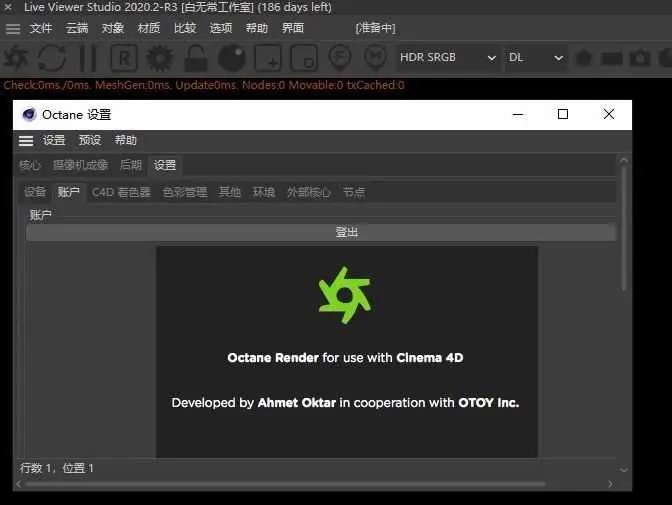 解决方法三: 续费。 OC渲染器错误八:OC安装成功,C4D菜单栏有OC插件,但点击后OC并没有打开解决方法一:检查Octane是不是在两个插件目录重复安装,如果有重复安装,删除其中一个。 目录1: C:\Program Files\Maxon Cinema 4D R23\plugins 目录2: C:\Users\Dear\AppData\Roaming\Maxon\Maxon Cinema 4D R23_DBA5903C\plugins 解决方法二: C4D版本过低,需要升级下版本(更新版本可以到立体派更新哈) OC支持N卡 也支持部分mac电脑A卡最后OC渲染除了支持N卡之外,也能支持mac部分电脑的A卡,目前支持mac电脑显卡为MAC苹果Octane X Radeon Pro Vega II Duo Radeon Pro Vega II Radeon VII 5700 XT Vega FE Vega 64 Vega 56 Vega 48 5600M 5500M Vega 20 *OC 4.0提示丢失文件解决办法(cudnn_8_0_4.zip、cudnn64_7文件.zip文件下载) 文件夹名称:OC4.0提示丢失文件解决办法 |


最新评论



- MAXON Cinema 4D C4D 2026.3.0 Win更新版发 2026-06-12
- X-Particles即将集成到Cinema 4D中,高级粒 2026-06-11
- Redshift 2026.6.0 重磅更新:六边形平铺功 2026-05-08
- BMS未来科幻日本千叶城市建筑楼房街道场景 2026-05-08
- Redshift 2026.5 更新详解:OpenPBR 材质成 2026-04-21
- Maxon发布重磅更新:Cinema 4D登陆iPad,Au 2026-04-17
- MAXON Cinema 4D C4D 2026.3.0 W
- X-Particles即将集成到Cinema 4D
- Redshift 2026.6.0 重磅更新:六
- BMS未来科幻日本千叶城市建筑楼
- Redshift 2026.5 更新详解:Open
- Maxon发布重磅更新:Cinema 4D登
- OctaneRender 2027.1 Alpha 1 发
- C4D拥抱腾讯混元3D:Maxon在AI路
- 【免费神器】Open Light v0.1.0-
- Cinema 4D × ComfyUI 渲染插件
- Octane for Cinema 4D 正式推出
- C4D2026.1.2版本更新下载
- Maxon 推出“数字孪生”工具:用
- Maxon发布生成式AI工具Digital T
- Octane 2027 震撼发布路线图:AI
赞助商广告
