
《Learn Motion graphic design become a great motion designer》是一期可以让你成为伟大的运动设计师的运动图形设计案例教学视频。通过难忘的练习,改善您的专业学习曲线,您将学习如何处理复杂的项目。本课程涵盖了几乎所有类型的动画,从2D,结合AE表情,到3D,在C4D中使用Xpresso。所有的动画将被整合成完整的视频场景,附件中包含AEP工程文件供参考学习。
教程除了使用Cinema 4D、After Effects还有photoshop、Illustrator等2D设计工具。
通过难忘的实践,改善您的专业学习曲线,在实践中您将学习如何处理复杂的项目。为了成为真正的运动专家,你将探索所有秘密技术。第1课结构和组织我们将从组织材料和思考项目架构开始。然后我们将优化和导入插图。之后,我们将向您展示简化项目组织过程的脚本。第22D课“后效应”我们将开始用植物、火和水的2D动画设计项目。为了创建这样的动画,我们将使用新鲜灵活的技术。此外,您还将学习如何在表达式的帮助下实现它们的自动化。因此,只需单击几下,即可控制所有层和参数的动画。第3课后期效果中的模拟3D在本课中,我们将介绍使用常规2D层模拟3D动画的一些关键技术。我们将考虑他们的所有优点和缺点。我们将使用表达式为此类动画创建一个装配,以便删除一些手动工作,并使其尽可能灵活。然后,我们将为其设置效果样式,使动画更具表现力。第43D课After Effects在本课中,我们将重点介绍在After Effects中创建3D的优点和缺点。我们将考虑何时使用内置的3D功能,使用各种引擎而不是另一种软件更好。然后,我们将创建一些简单的3d模型,并向您演示如何快速设置它们的动画,并将它们作为更复杂动画的基础。此外,我们将分析可以利用表达式处理3D的情况。第5课C4D灯光中的动画基于三个动画,您将学习C4D灯光简单动画的生成器和变形器。我们将介绍建模基础知识,向您演示如何使用纹理,并在不设置关键帧的情况下使用Xpresso进行自动动画。我们将通过向您展示如何为我们的项目设置图片样式以及如何准备项目以导入After Effects来完成本课程。第6课集成C4D和AE我们将向您展示将4D影院项目集成到After Effects中的几个选项。然后,我们将看看在After Effects中设置3D材质样式的可能性和方法。第7课混合2D和3D在本课中,是时候将所有样式组合成由2D和3D图形组成的多个复杂插图了。我们将分析您可能遇到的问题,并提出解决这些问题的方法。更重要的是,我们将查看蜘蛛的装备和动画,为此,我们将使用一个全新的自定义脚本和高级装备的肢体系统。第8课完成场景设置在本课中,我们将从所有动画中组合两个场景。您将学习如何添加辅助动画以活跃场景。此外,您还将了解如何处理包含十几个复杂动画的非常复杂的合成,而不会因为渲染时间而抓狂。第9课开发和脚本优化在本课程中,我们使用了大量自定义脚本。所以,现在是时候了解这些脚本是如何创建的,以及使用什么软件来开发它们了。此外,您还将了解如何调试他们的工作、修改它们并根据自己的目的调整它们。从这一点开始,您将能够开发自己的工作方法并形成自己的工作流程。第10A课看幕后我们将展示项目中最困难部分的分解。此外,您将看到如何在3D环境中组合逐帧动画。额外内容我们将附上所有课程材料和脚本,以便您查看项目的所有细节。
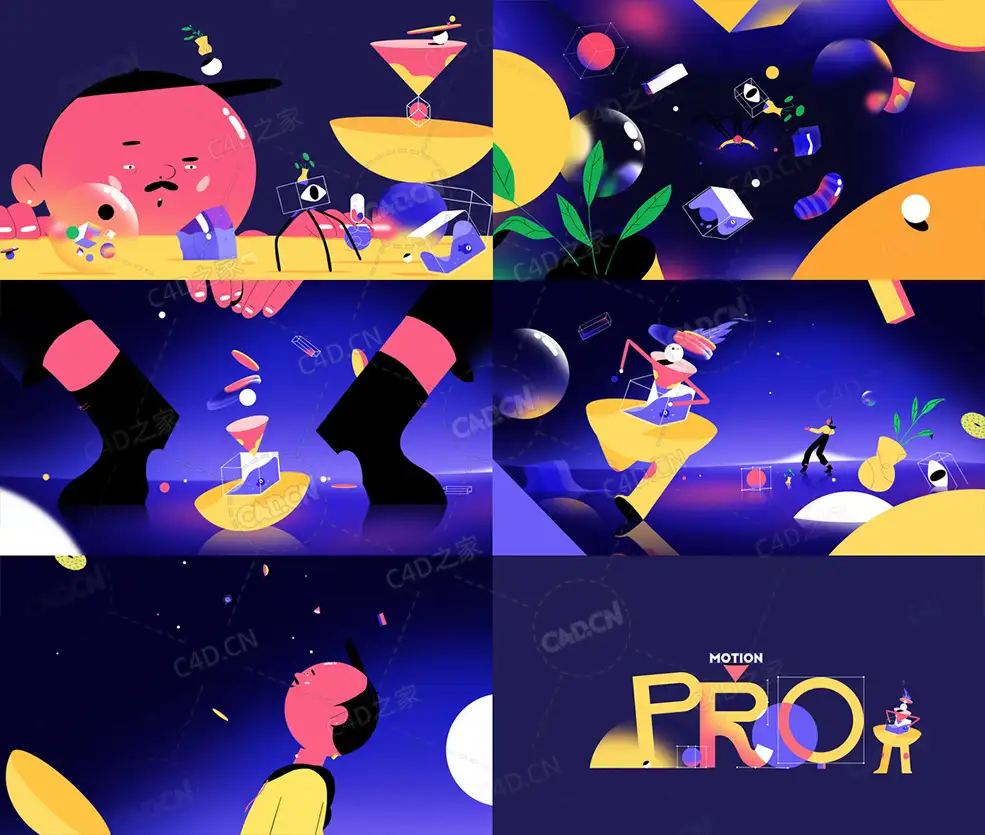
Improve your professional learning curve through unforgettable practice, you’ll learn how to work on complex projects.
What you'll learn
This course will bring you to the next motion design level.
Cover almost all types of animation from 2D, combining it with AE expressions, to 3D, using Xpresso in Cinema 4D.
All the animations will be united into complete video scenes.
We’ll share with you project files & resources, in which we’ve used frame-by-frame animation along with modern 2D and 3D design.
We’ll teach you the main principles and rules of organizing projects and creating the correct structure for them.
we’ll demonstrate to you custom scripts that help us get rid of some routine work and facilitate the entire process.
Requirements
Familiarity with computer-aided design,
Should have a knowledge about different kinds of animated graphics,
Should be familiarized with 2D design tools like Photoshop and Illustrator,
Ready to be a great Motion graphic designer.
Description
Improve your professional learning curve through unforgettable practice in which you’ll learn how to work on complex projects. You’ll explore all secret techniques in order to become a real motion pro.LESSON #1Structure and OrganizationWe will start by organizing the material and thinking over the architecture of the project. Then we’ll optimize and import illustrations. After that, we’ll show you scripts that simplify the process of organizing the project.LESSON #22D in After EffectsWe’ll start designing the project with 2D animations of plants, fire and water. For creating such animations, we’ll use fresh and flexible techniques. Also, you’ll learn how they can be automated with the help of expressions. As a result, you’ll be able to control the animation of all layers and parameters in a few clicks.LESSON #3 Faux 3D in After EffectsIn this lesson, we’ll cover a few key techniques for simulating 3D animation, using regular 2D layers. We’ll take into account all their advantages and disadvantages. We will use expressions to create a rig for such animations in order to remove some of the manual work and make them as flexible as possible. Then we’ll style it with effects to make the animation even more expressive.LESSON #43D in After EffectsIn this lesson, we’ll focus on the benefits and drawbacks of creating 3D in After Effects. We’ll consider when it’s better to work with the built-in 3D features, using various engines instead of another software. Then we’ll create a few simple 3D models and demonstrate to you how to quickly animate them and use them as a basis for more complex animations. In addition, we’ll analyze cases when we can take advantage of expressions to work with 3D.LESSON #5Animation in C4D LightBased on three animations, you’ll learn generators and deformers for simple animation in C4D Light. We’ll cover modeling basics, demonstrate to you how to work with textures and use Xpresso for automatic animation without setting keyframes. And we’ll finish the lesson by showing you how to stylize the picture for our project and how to prepare the project for import into After Effects.LESSON #6Integrate C4D & AEWe’ll show you a few options to integrate a project from Cinema 4D into After Effects. And then we’ll take a look at the possibilities and approaches to stylizing 3D material in After Effects.LESSON #7Mixing 2D & 3DIn this lesson, it’s time to combine all styles into several complex illustrations consisting of 2D and 3D graphics. We’ll analyze issues you may deal with and will suggest approaches to solving these issues. What’s more, we’ll take a look at the rig and animation of the spider, for which we will use a completely new custom script with a limb system for advanced rigs.LESSON #8Complete Scene SetupIn this lesson, we’ll assemble two scenes from all the animations. You’ll learn how to add auxiliary animation in order to liven up our scenes. What’s more, you’ll have a look at how to deal with really complicated compositions containing a dozen of complex animations, without going crazy with the render time.LESSON #9Dev & Scripts OptimizationDuring the course, we use a lot of custom scripts. So, now it’s time to learn how these scripts are created and what software is used to develop them. Also, you’ll find out how to debug their work, modify them and adapt them for your own purposes. From this point on, you’ll be able to develop your own approach to work and form your own workflow.LESSON #10A look behind the scenesWe’ll show the breakdown of the most difficult parts of our project. Also, you’ll see how to combine the frame-by-frame animation in a 3D environment.EXTRA CONTENTSWe’ll attach all the course materials and scripts so that you can check out all the details of the project.
Published 11/2022
MP4 | Video: h264, 1280x720 | Audio: AAC, 44.1 KHz
Language: English | Size: 8.43 GB | Duration: 11h 5m
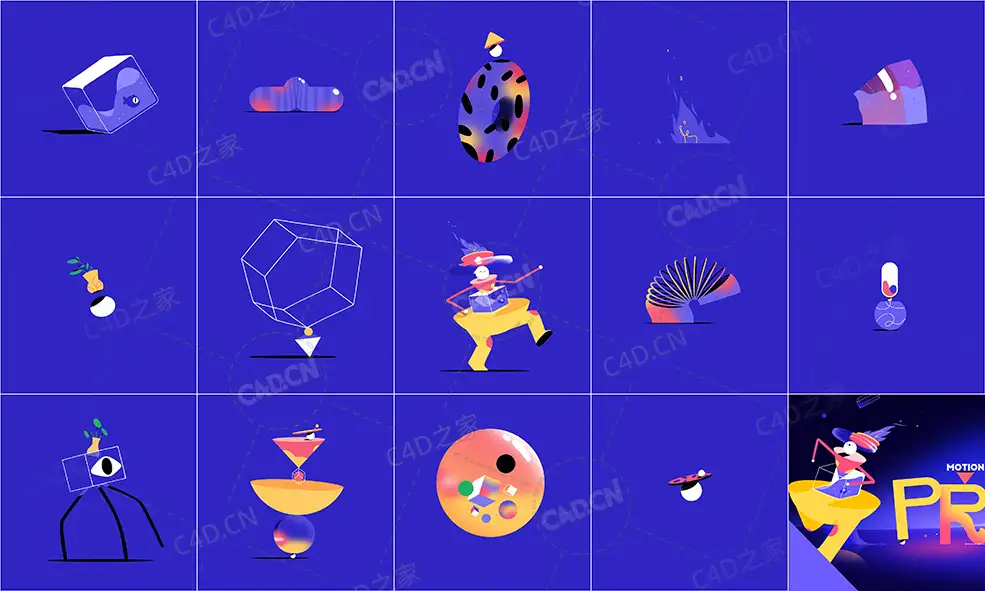
Structure and Organization
1 - 1 Structure and Organization
2 - 2 Structure and Organization
2 - Resources
2D in After Effect
3 - 1 Jumping Plant
3 - Resources
4 - 2 Pill Animation
5 - 3 Fire
5 - Resources
3D in After Effects
6 - 1 Faux 3D Tray Ball
7 - 2 Glass
7 - Resources
8 - 3 2D in After Effects Jelly
8 - Resources
9 - 4 3D in After Effect
10 - 5 3D in After Effects Aquarium
10 - Resources
Animation in C4D Lite
11 - 1 Cinema 4D Lite Odamania
12 - 2 Cinema 4D Lite Donut
12 - Resources
13 - 3 Cinema 4D Lite Vase
14 - 4 Integrate C4D & AE
14 - Resources
Mixing 2D & 3D
15 - 1 The Spider
16 - 2 Character Rig & Animation
Complete Scene Setup
17 - 1 Setup of Scene
Dev & Scripts Optimization
18 - 1 Dev & Scripts Optimization
19 - 2 Scripts for After Effects
|
|



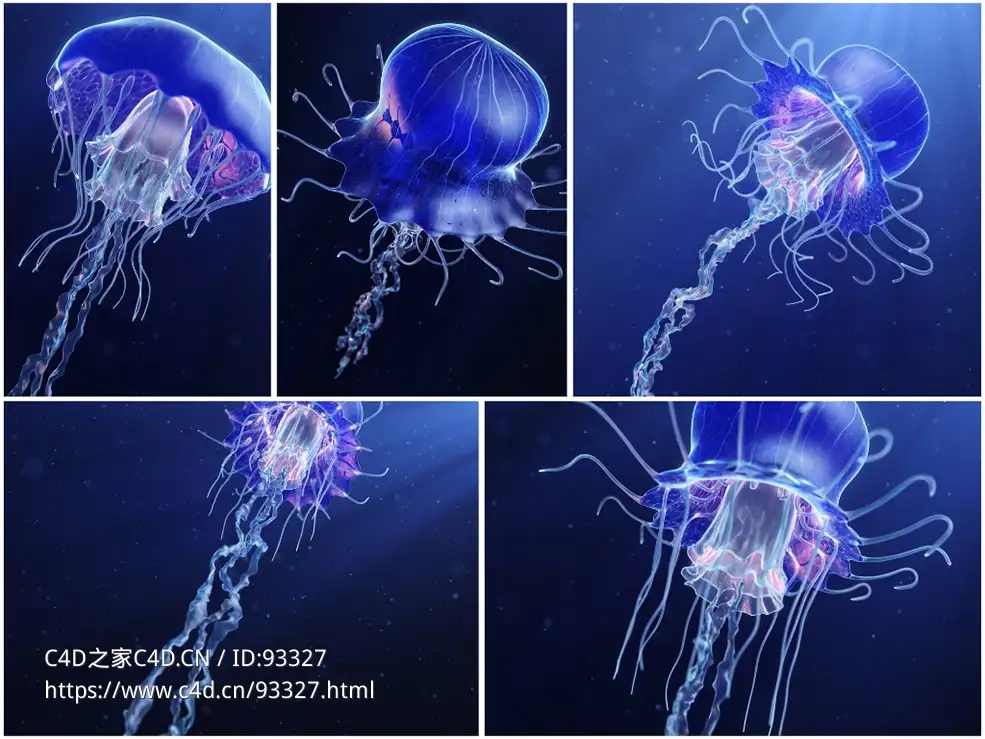

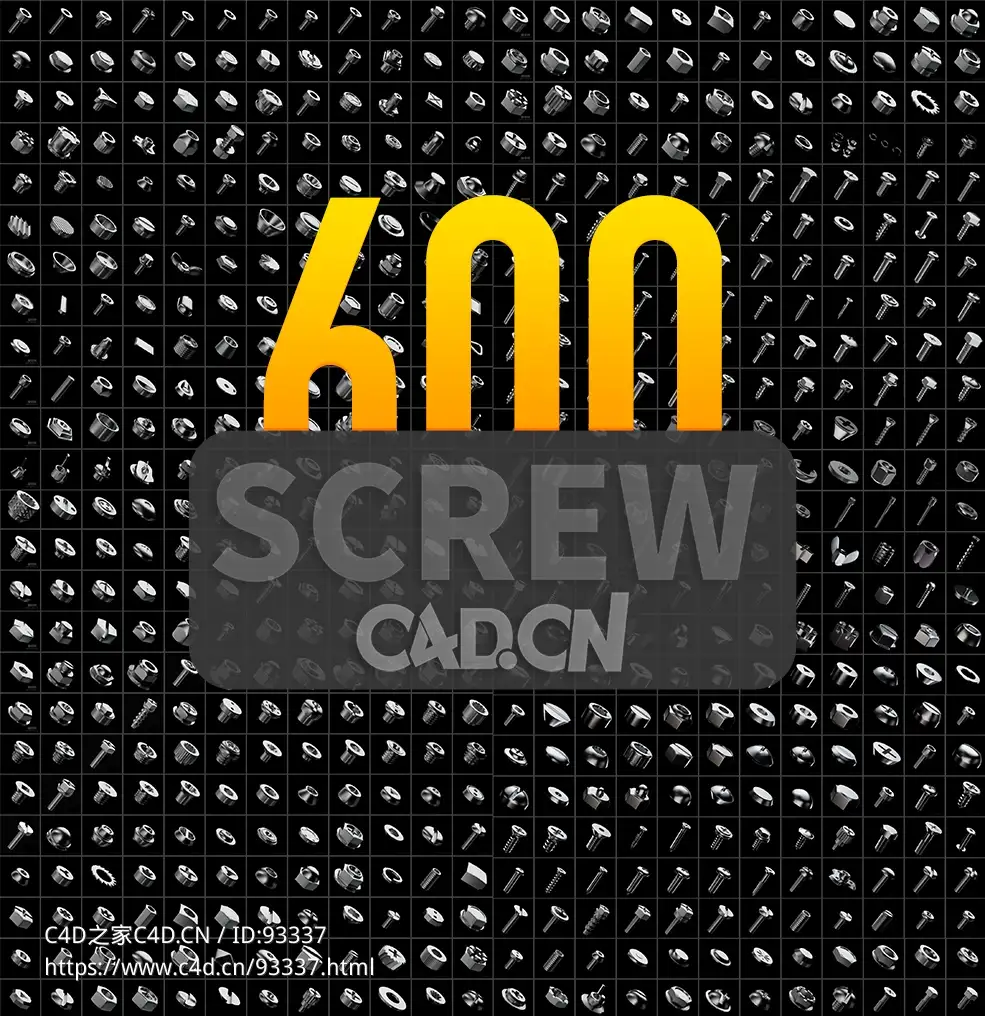
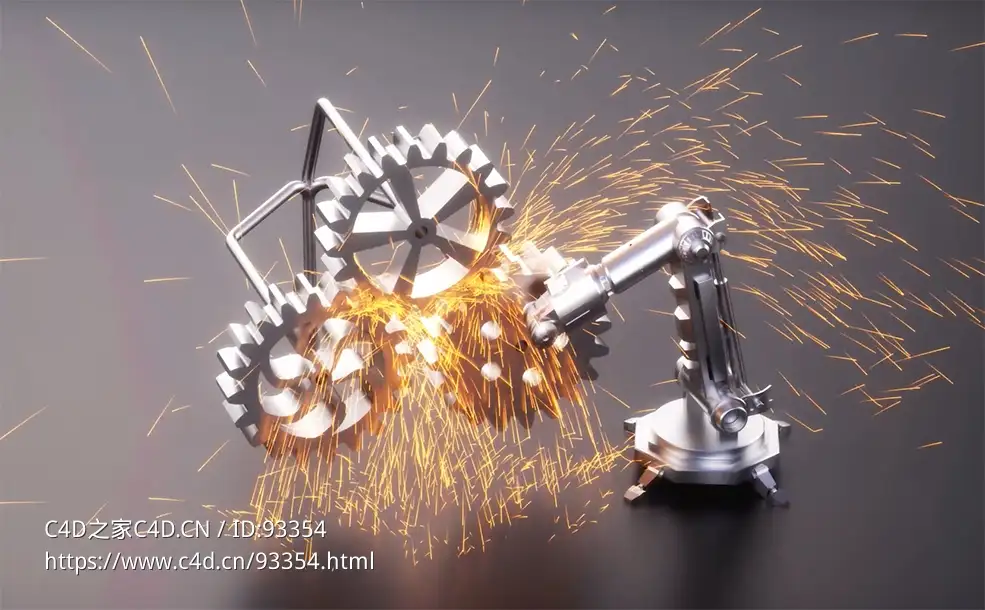
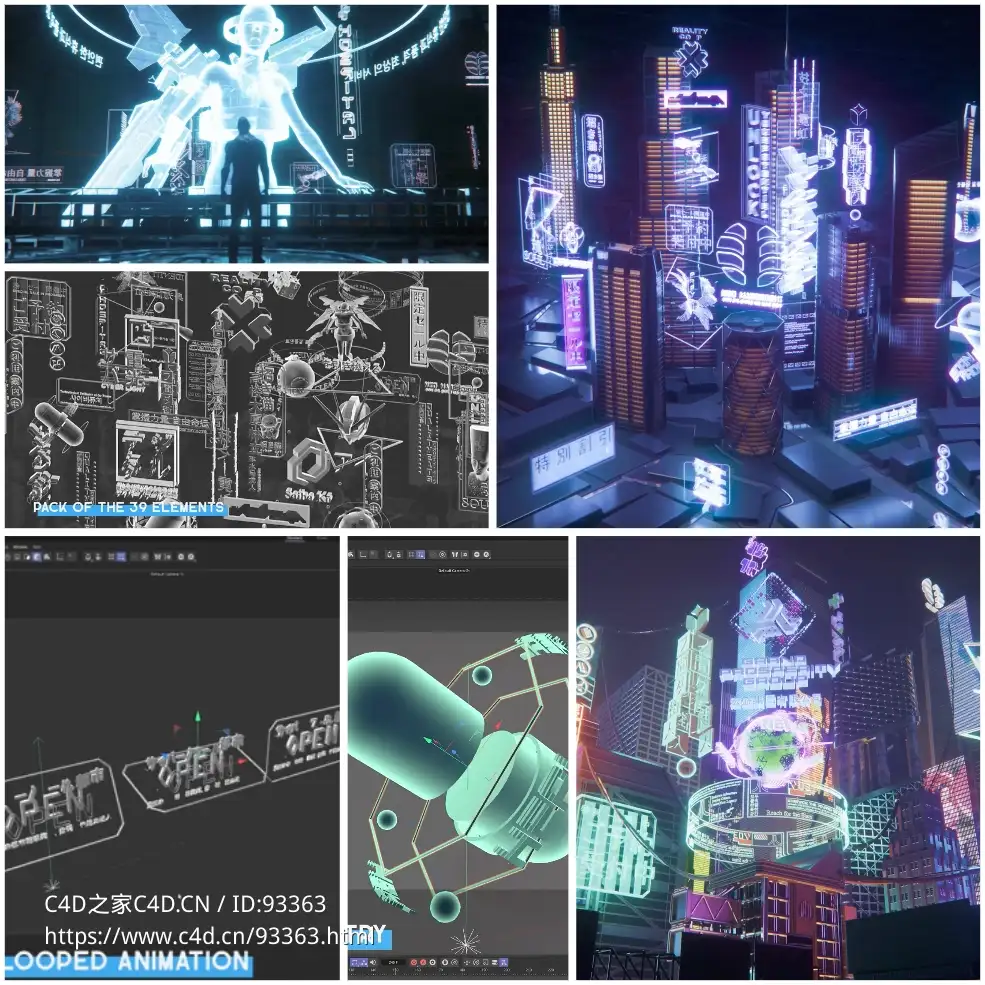








 超高清晰度生物写实水母三维模型带动态游动动画适用影视特效与科普教育可商用3D animated jellyfish model


Comment :4