AE+C4D+PS定格动画教程(英文字幕) Skillshare - Frame by Frame Animation Using Photoshop After Effects Cinema 4D

讲解再C4D中制作简单的人物模型动画、给PS定格动画做参考,然后导出所有的定格到AE中进行后期合成处理
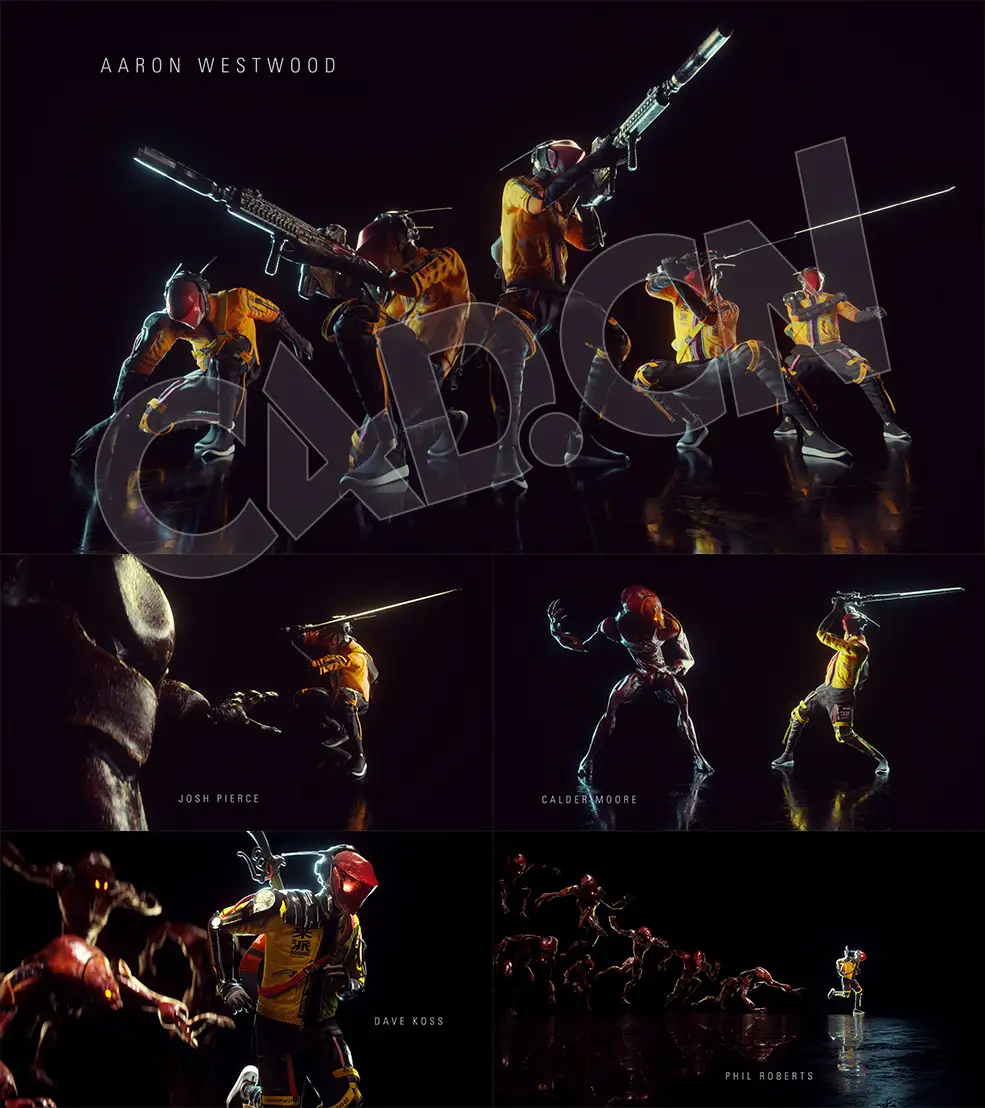
I will start by showing you some free resources that you can download and how to use Mixamo to animate your 3D characters.Then I will show you how to create your first animation in Cinema4D and use it as a reference to draw all the frames in Photoshop, using a screen or graphic tablet.After you export all the frames, we will move to After Effects to make our animation more trippy and do some final adjustments.In the end I will show you some alternative ways to create a frame by frame animation,without using Cinema4D.
01 - INTRO - Frame by Frame Animation Using Photoshop, After Effects, Cinema4D
02 - 01 Examples and Resources - Frame by Frame Animation Using Photoshop, After Effects, Cinema4D
03 - 02 Mixamo 3D Characters - Frame by Frame Animation Using Photoshop, After Effects, Cinema4D
04 - 03 Cinema4D Animation - Frame by Frame Animation Using Photoshop, After Effects, Cinema4D
05 - 04 3D Materials and Rendering - Frame by Frame Animation Using Photoshop, After Effects, Cinema4D
06 - 05 Illustrating Frames in Photoshop - Frame by Frame Animation Using Photoshop, After Effects, Cinema4D
07 - 06 Timelapse Frames - Frame by Frame Animation Using Photoshop, After Effects, Cinema4D
08 - 07 Photoshop Export PNGs - Frame by Frame Animation Using Photoshop, After Effects, Cinema4D
09 - 08 After Effects Animation - Frame by Frame Animation Using Photoshop, After Effects, Cinema4D
10 - 09 Animated Texture - Frame by Frame Animation Using Photoshop, After Effects, Cinema4D
11 - 10 Loop Animation - Frame by Frame Animation Using Photoshop, After Effects, Cinema4D
12 - 11 Animated Background Post Production - Frame by Frame Animation Using Photoshop, After Effects, Cinema4D
13 - 12 Video Export - Frame by Frame Animation Using Photoshop, After Effects, Cinema4D
14 - 13 Other Variations - Frame by Frame Animation Using Photoshop, After Effects, Cinema4D
|
|






























Comment :6