C4D超级粒子特效流体插件X-Particles 3全面基础培训案例 Lynda – X-Particles for Cinema 4D Essential Training
X-Particles可以在C4D中模拟流体运动,动力学,碰撞等粒子效果,这个教程通过几个实例来讲解该插件的使用方法
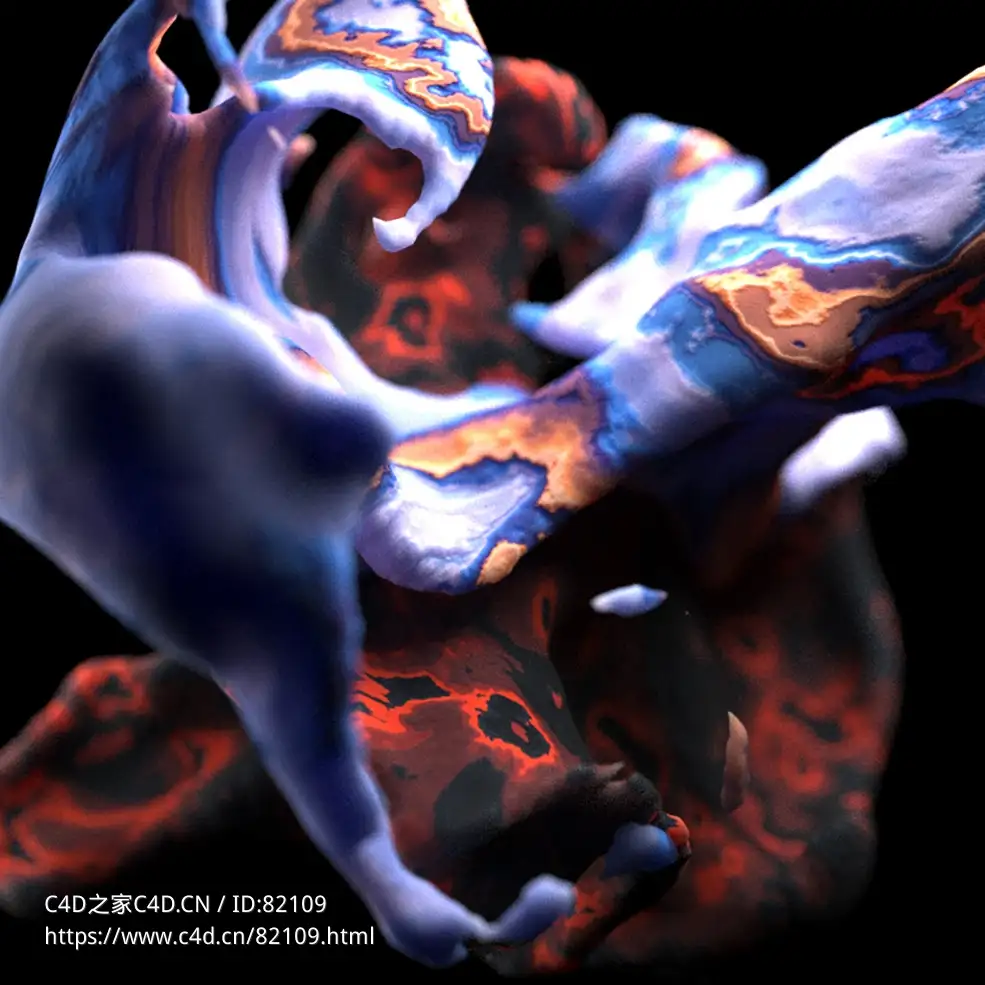
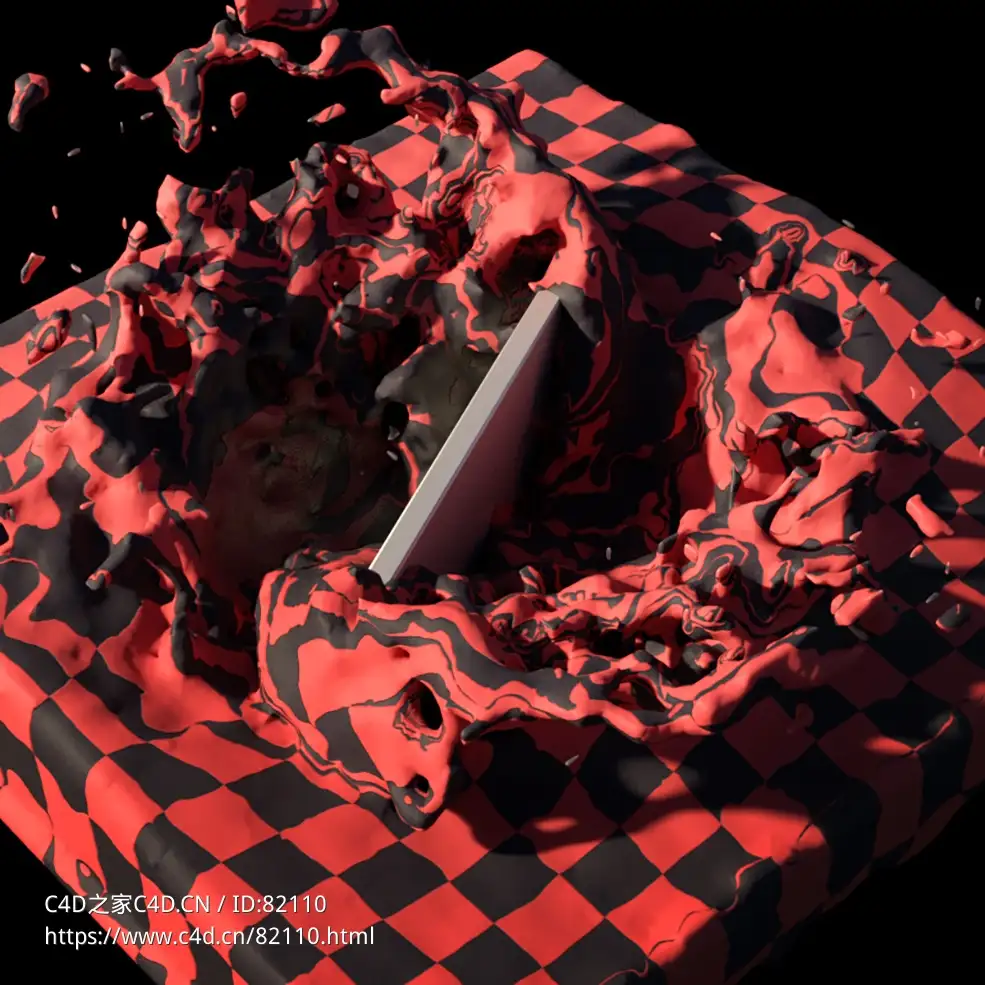
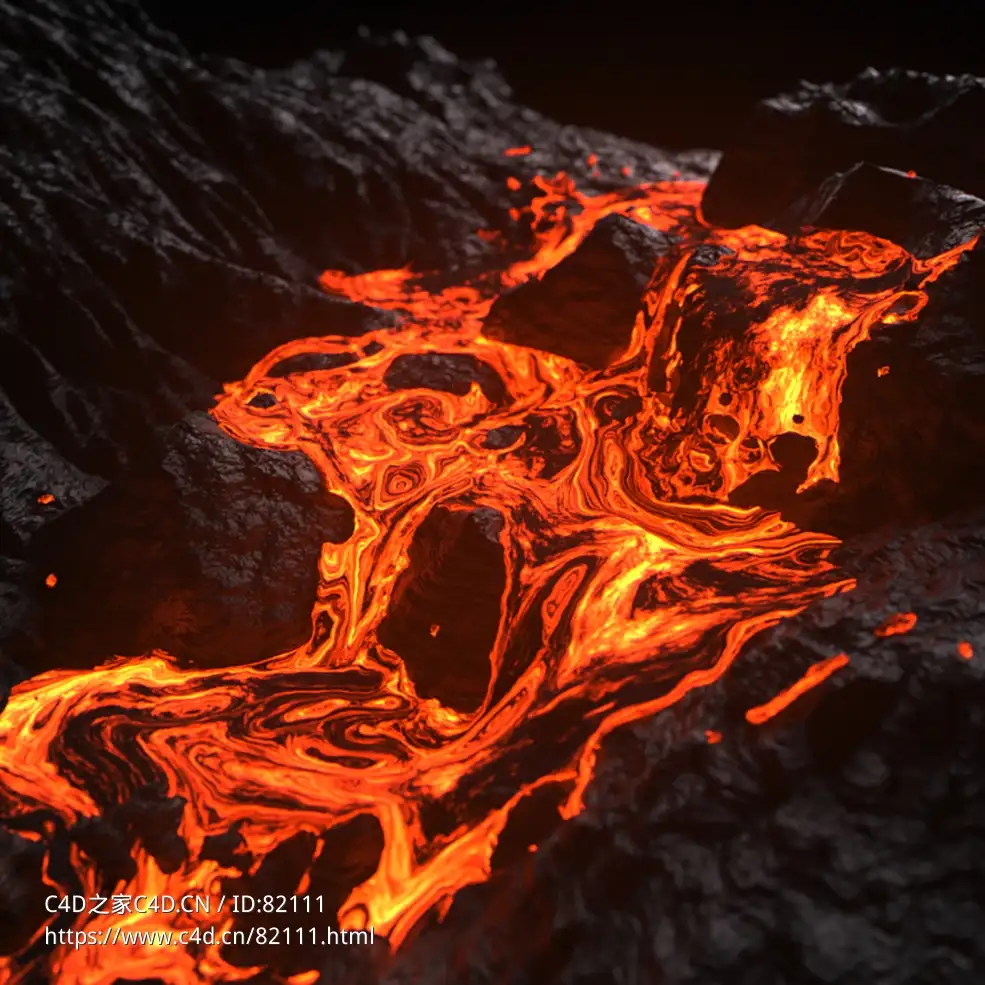
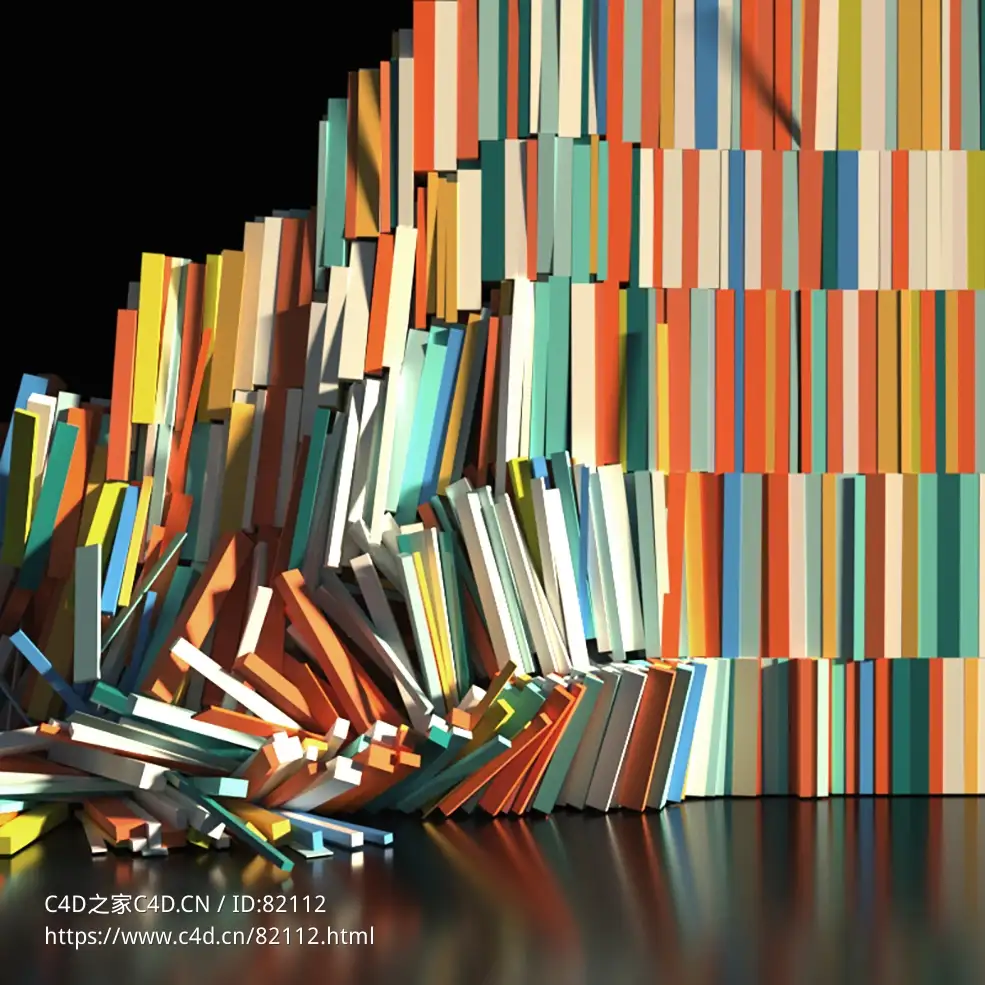
X-Particles is an awesome addition to CINEMA 4D, allowing artists to create finely rendered fluid simulations, dynamics, and collisions quickly and easily. This course gets you started with this powerful plugin. Join Andy Needham as he walks through the Emitter interface, shows how to use modifiers to change the look and behavior of particles, create visible particles that trail and branch, make fluid and fire simulations, and render your work. He’ll also provide workflow tips and a series of miniprojects that show how to create effects like pixie dust and fireworks with X-Particles.
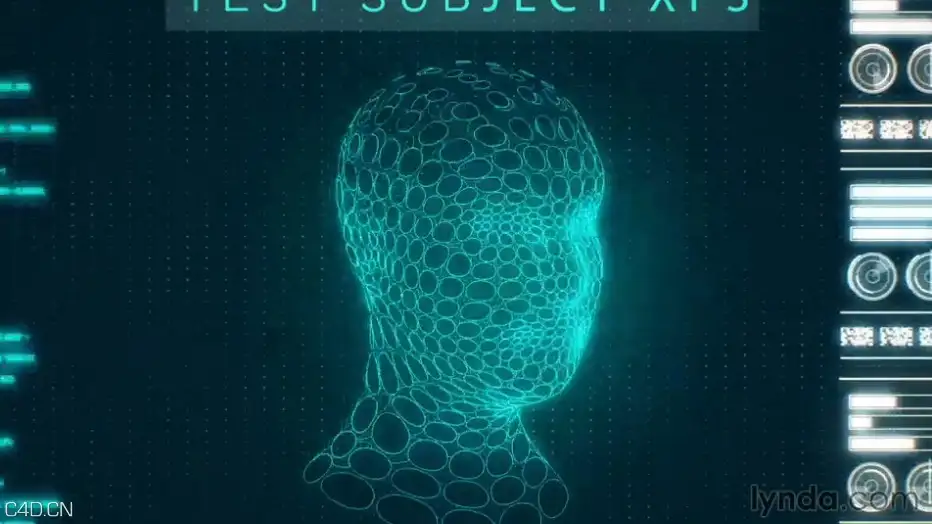 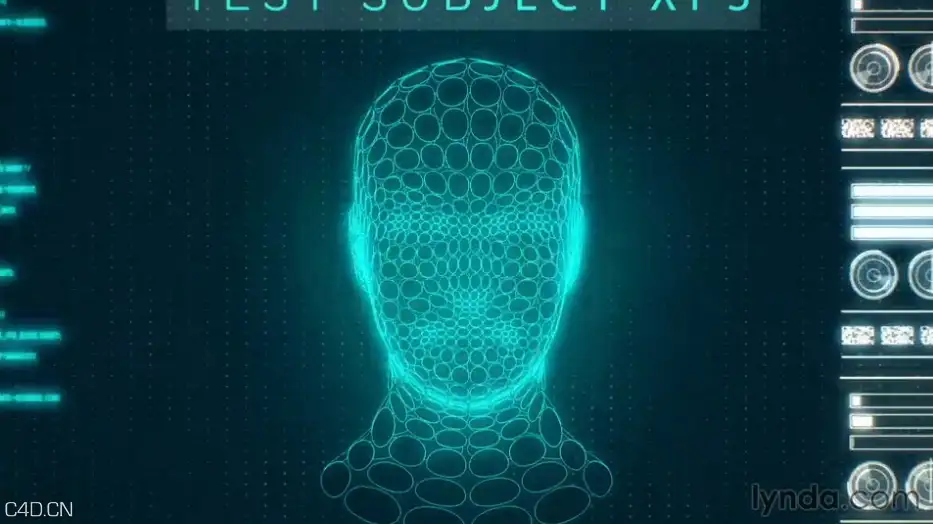
(light music) - Hi, I'm Andy Needham. And welcome to X-Particles for CINEMA 4D Essential Training. In this course, I'll be giving you an understanding of X-Particles for CINEMA 4D. I'll start by discussing what X-Particles is and what you can do with this versatile plugin. From there, you and I are going to work together as we dive deeper into X-Particles, understanding many of the components, which make up this complex plugin. I'll show you how to use the System object and understand the emitter, where we'll wrap our heads around questions and actions.
Then we'll dive deeper into modifiers, materials, and rendering. From there, we'll go even further, and talk about creating visible particles, fluid and fire simulations. By the end of the course, you'll be confident using X-Particles for creating your own awesome particle simulations. So if you're ready, let's get started with X-Particles for CINEMA 4D Essential Training.
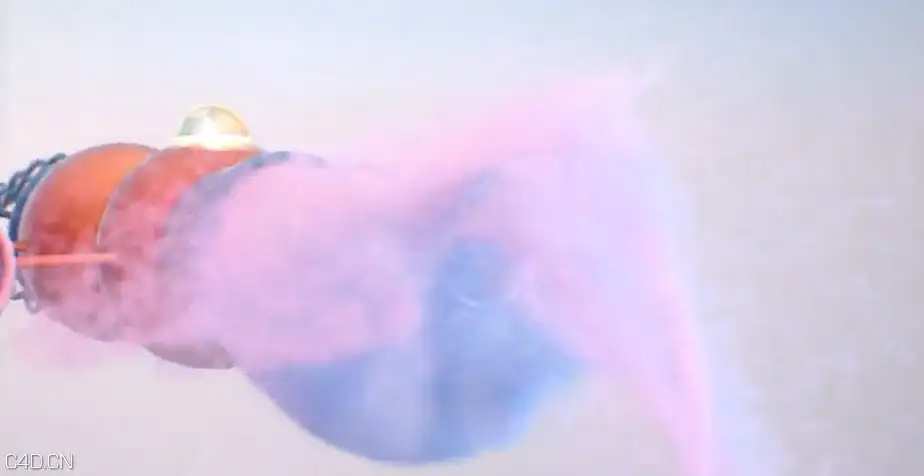
- Introduction
- Welcome
- What you should know before watching this course
- Using the exercise files
1. Getting Started with X-Particles
What is X-Particles?
What can you do with the X-Particles plugin?
Touring the System object
2. Understanding The Emitter
Object tab
Emission and Extended Data tabs
Groups and Display tabs
Questions tab, including actions
Modifiers tab
Editing and Advanced tabs
Emitting particles from objects
Using Gravity and Falloff to make particles fall
Working with Turbulence to move particles around
Using the Attractor to make particles attract
Using Change Group to change particle type
Using Scale to make my particles bigger or smaller
Using Speed to control particle speed
Using Kill to remove particles
Using Weight to mix modifier strength
4. Materials and Rendering
Rendering particles with the X-Particles material
Reviewing render settings and mulitpass rendering
Rendering Cinema 4D splines with the X-Particles material
5. Creating Visible Particles
Generating geometry from particles
Generating particles from geometry
Creating trails
Making particle networks
Making branching particles
Skinning geometry and splines
Making particles collide
Freezing particles
Lighting particles and volumetric rendering
7. Making Fluids and Fires
Making fluids
Caching in X-Particles
Starting a fire
Using the XP Gaseous material
8. More Ways to Sculpt Particles
Using Cinema 4D particle forces
Using MoGraph Effectors
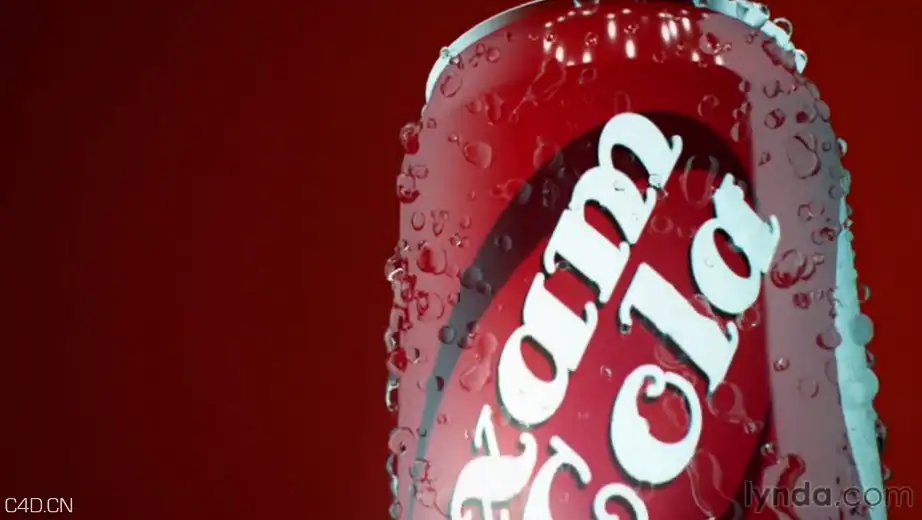
Using particle painting to create condensation on a soda can
Naming and organization
Installing icons to identify different parts of the sim
Saving and loading presets
10. X-Particles Mini Projects
Pixie dust
Fireworks
Ice cream sprinkles and sauce
Sticky paint splashes
Neon data stream
Conclusion
Next steps
|
|



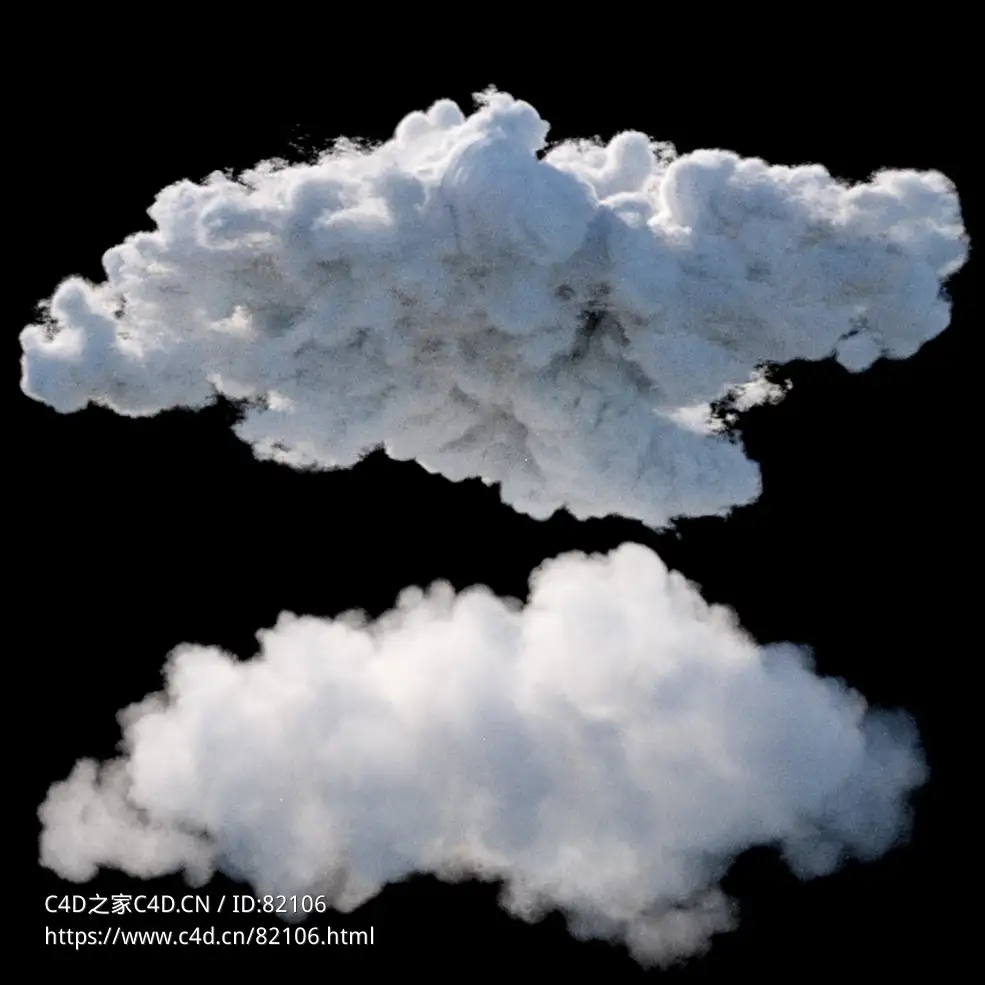
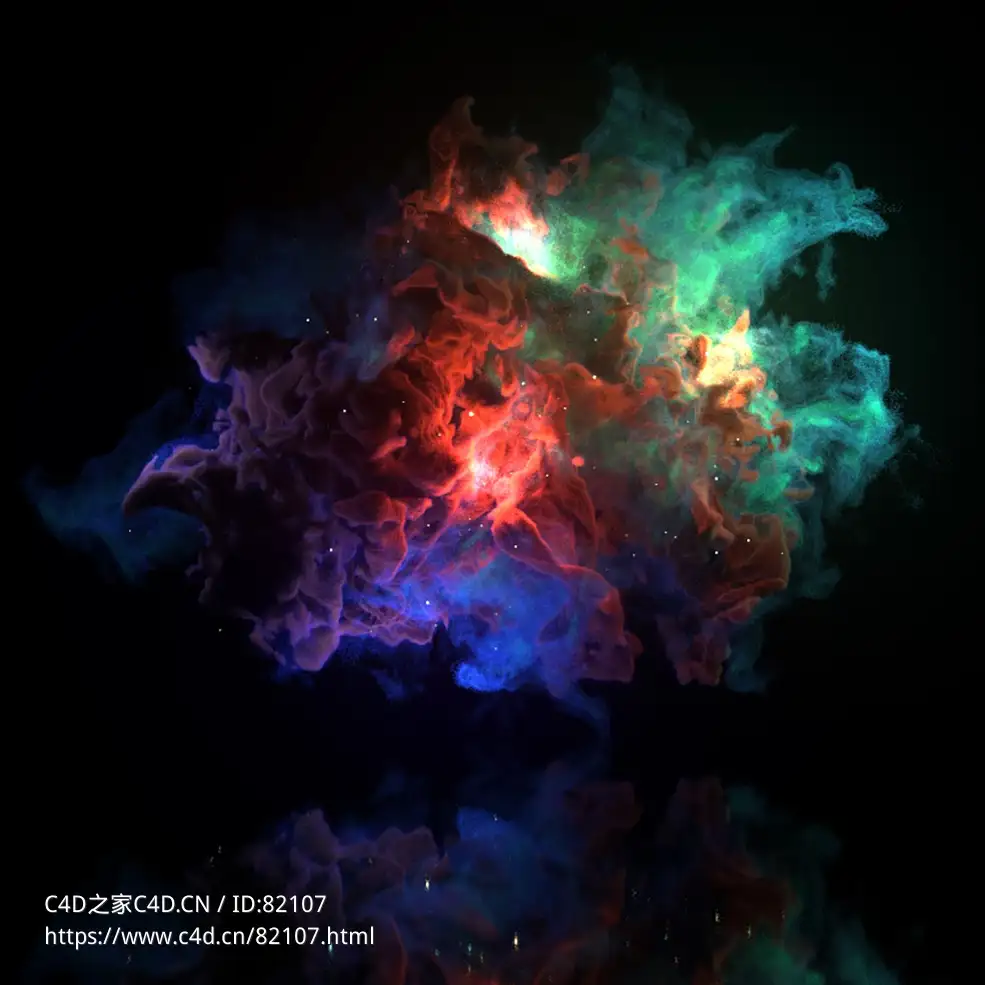
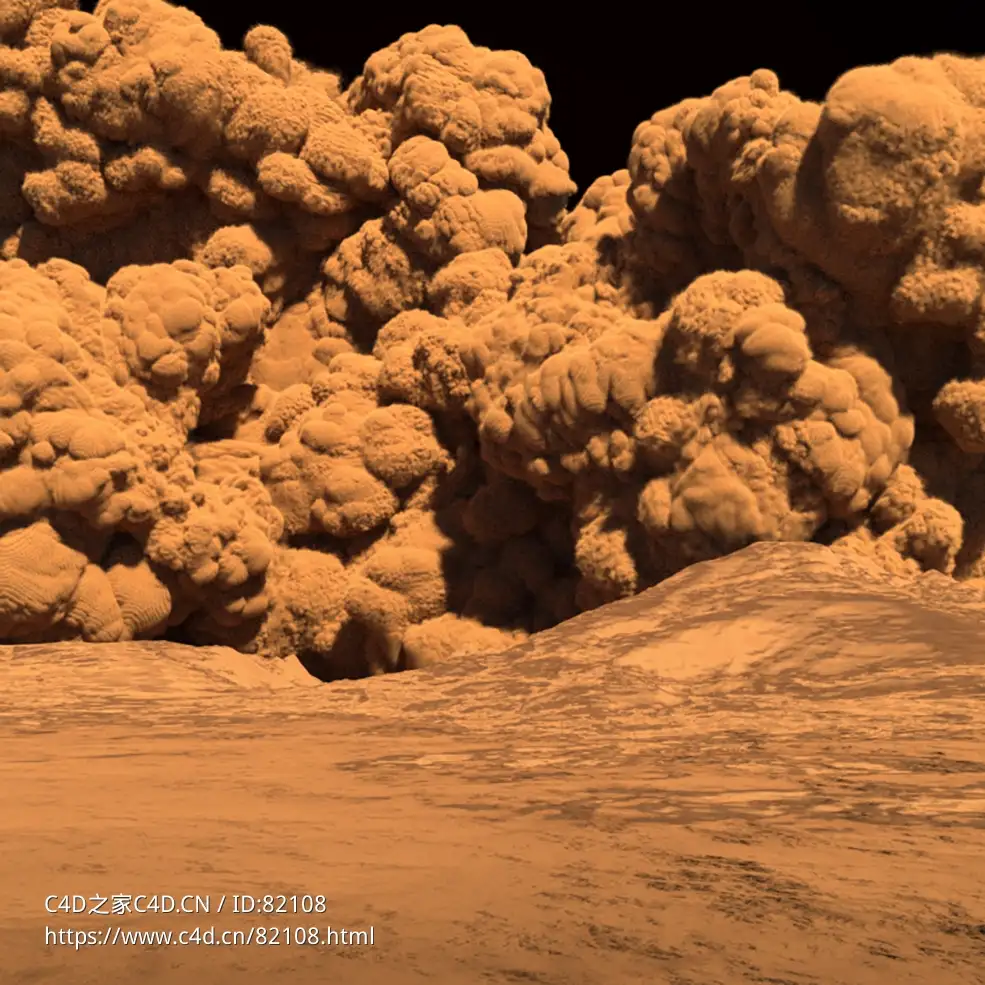










 白云雾团xpopenvdbimporter-basic clouds r19-r25



Comment :6