C4D 飞船建模教程(中文字幕)Introduction to Cinema 4D R14

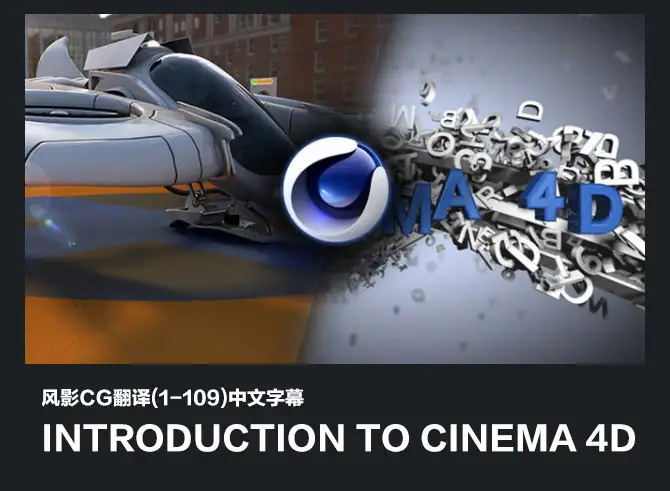
In this CINEMA 4D tutorial, we will provide you with a good understanding of how to work within CINEMA 4D. You will learn from several of the instructors here at Digital-Tutors, as we go through many of the major parts of the software, and help you become a more effective CINEMA 4D artist.
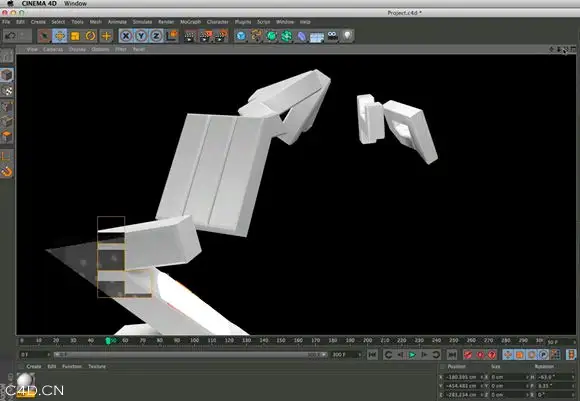
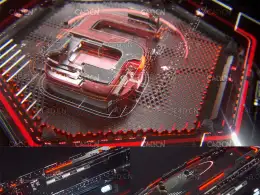
We will begin our training by exploring the user interface, and discussing a number of features and concepts that will be very important to know as we start to delve deeper into the software. From this point, we will walk step-by-step through the process of modeling and texturing our own futuristic flying vehicle using CINEMA 4D and the built-in BodyPaint texturing suite.
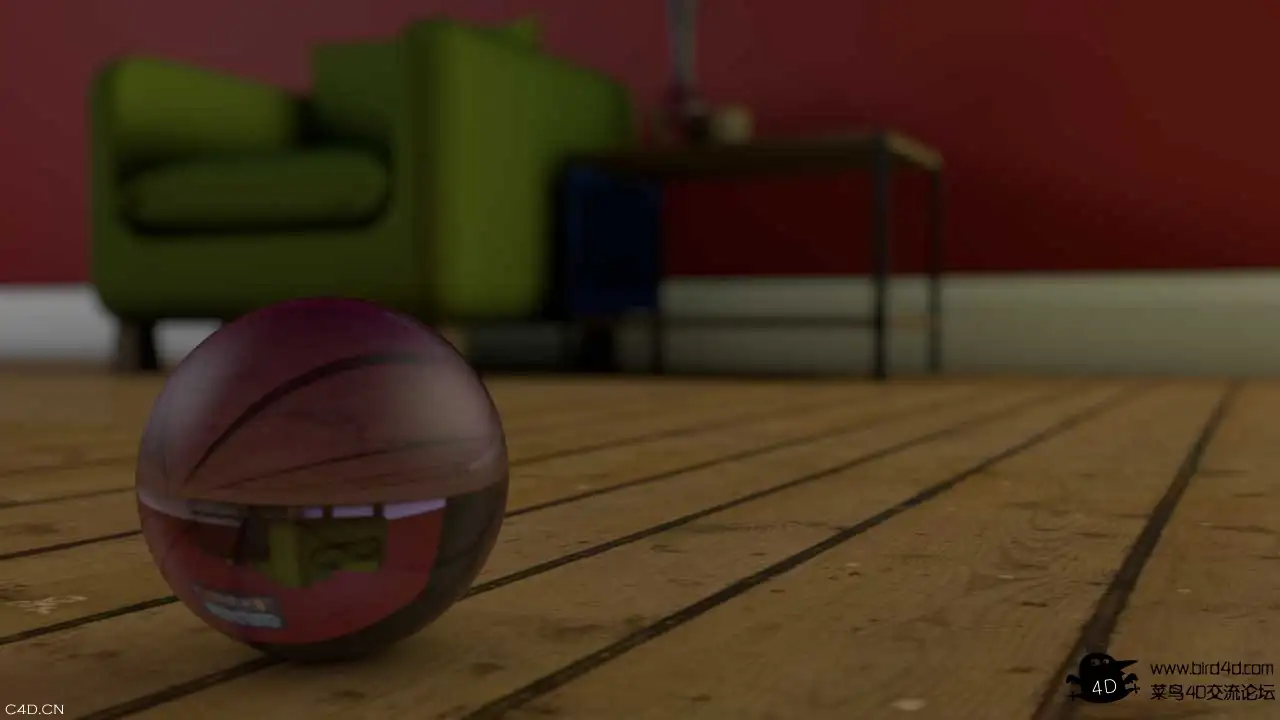
We will also guide you through the entire process of rigging this vehicle for movement, and then animating the takeoff and flying sequence for this project. From there, we will learn how to use the standard CINEMA 4D particle system to create realistic steam for the refueling hose of our aircraft, and we will guide you through the process of setting up the lights, shadows, and using many rendering features in CINEMA 4D to finish out this whole project.
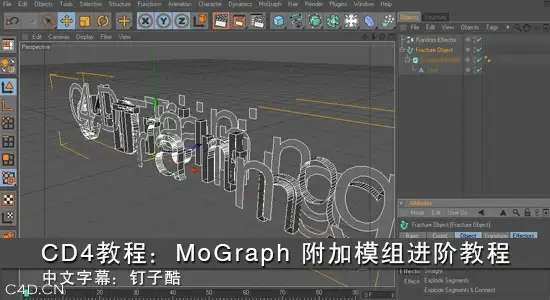
Finally, we will finish this CINEMA 4D tutorial by taking you through MoGraph, an extremely powerful toolset in CINEMA 4D that will allow you to create highly complex, very detailed motion graphics with minimal effort.
"We highly recommend this 13 hours of training to every artists who wants to master our new release with ease" - Maxon, October 5, 2012
Introduction and project overview 1 Introduction and project overview Watch it now 02:18
Moving in the 3D workspace 2 Moving in the 3D workspace Watch the entire course. Start a free trial » 12:23
Advanced viewport display options 12 Advanced viewport display options 07:10
Modeling overview 13 Modeling overview 01:06
Building the base from a parametric primitive 14 Building the base from a parametric primitive 11:09
Shaping the capsule base 15 Shaping the capsule base 11:08
Detaching the canopy and landing gear 16 Detaching the canopy and landing gear 08:19
Extruding the capsule interior 17 Extruding the capsule interior 07:39
Modeling the cushioned seat 18 Modeling the cushioned seat 13:14
Using the sculpting tools 19 Using the sculpting tools 06:41
Building the control panel 20 Building the control panel 06:26
Building the antenna base 21 Building the antenna base 11:43
Modeling the antenna array 22 Modeling the antenna array 09:03
Building a vent using Cloners 23 Building a vent using Cloners 06:45
Modeling the thruster with splines
24 Modeling the thruster with splines 09:06
Projecting splines to create lights
25 Projecting splines to create lights 08:31
Adding detail to the canopy
26 Adding detail to the canopy 05:29
Creating the large wing pivots with splines
27 Creating the large wing pivots with splines 09:50
Combining splines to create the wing outline
28 Combining splines to create the wing outline 11:22
Deforming the wing geometry
29 Deforming the wing geometry 07:09
Smoothing out the wings
30 Smoothing out the wings 04:25
Creating the back fin using splines
31 Creating the back fin using splines 06:52
Modeling the outer rim of the fans
32 Modeling the outer rim of the fans 04:37
Creating the fan blades using Cloners
33 Creating the fan blades using Cloners 06:28
Adding detail to the front of the wings
34 Adding detail to the front of the wings 07:01
Building the wing struts using polygons
35 Building the wing struts using polygons 05:33
Detailing the main landing gear
36 Detailing the main landing gear 06:30
Modeling spline-based landing gear pieces
37 Modeling spline-based landing gear pieces 08:42
Adding pistons using primitives
38 Adding pistons using primitives 08:26
Cleaning up the scene
39 Cleaning up the scene 09:41
Importing external geometry
40 Importing external geometry 03:41
Materials and textures overview 41 Materials and textures overview 00:51
Applying simple materials
42 Applying simple materials 09:14
Using Selection Tags
43 Using Selection Tags 09:11
Working with UVs
44 Working with UVs 08:15
Adding procedural textures
45 Adding procedural textures 07:57
Using material presets
46 Using material presets 04:53
Adding bump maps and transparency
47 Adding bump maps and transparency 07:32
Projecting texture maps
48 Projecting texture maps 06:43
Creating textures with BodyPaint
49 Creating textures with BodyPaint 09:27
Rigging overview 50 Rigging overview 00:40
A look at the aircraft rig
51 A look at the aircraft rig 03:18
Cleaning up the scene
52 Cleaning up the scene 06:55
Creating control curves
53 Creating control curves 09:59
Working with Groups
54 Working with Groups 08:32
Modifying an object's axis
55 Modifying an object's axis 07:32
User Data
56 User Data 08:18
Xpresso
57 Xpresso 05:55
Setting Driven Keys in CINEMA 4D
58 Setting Driven Keys in CINEMA 4D 05:11
Automating animation with Xpresso
59 Automating animation with Xpresso 08:13
Rigging the aircraft's antenna
60 Rigging the aircraft's antenna 05:15
Setting up the landing gear
61 Setting up the landing gear 07:37
Wrapping up the landing gear's rig
62 Wrapping up the landing gear's rig 06:16
Working with joints
63 Working with joints 08:21
Understanding Inverse Kinematics
64 Understanding Inverse Kinematics 06:21
Binding geometry in CINEMA 4D
65 Binding geometry in CINEMA 4D 03:56
Finalizing the rig
66 Finalizing the rig 06:25
Animation overview 67 Animation overview 00:43
The Animation Palette
68 The Animation Palette 05:33
Recording and modifying keyframes on the Timeline Ruler
69 Recording and modifying keyframes on the Timeline Ruler 10:24
Editing animation in the F-Curve Manager
70 Editing animation in the F-Curve Manager 09:21
Copying and pasting animation in CINEMA 4D
71 Copying and pasting animation in CINEMA 4D 05:46
Viewing and editing an object's Animation Path
72 Viewing and editing an object's Animation Path 04:51
Animating along a path in CINEMA 4D
73 Animating along a path in CINEMA 4D 08:03
Working with Autokey
74 Working with Autokey 03:31
Previewing animations in real-time
75 Previewing animations in real-time 05:53
Starting on the flight sequence
76 Starting on the flight sequence 10:07
Polishing the aircraft's animation
77 Polishing the aircraft's animation 13:55
Separating the fueling line from the aircraft
78 Separating the fueling line from the aircraft 07:17
Making the fueling line dynamic
79 Making the fueling line dynamic 04:24
Working with the new Motion Camera
80 Working with the new Motion Camera 08:11
Finalizing the animation
81 Finalizing the animation 05:57
Particle dynamics overview 82 Particle dynamics overview 00:44
Creating particle emitters
83 Creating particle emitters 08:08
Working with particle attributes
84 Working with particle attributes 06:24
Using Particle Modifiers in CINEMA 4D
85 Using Particle Modifiers in CINEMA 4D 09:04
Finalizing the particle behavior
86 Finalizing the particle behavior 09:23
Creating volumetric particles with PyroCluster
87 Creating volumetric particles with PyroCluster 08:51
Controlling the appearance of PyroCluster materials
88 Controlling the appearance of PyroCluster materials 14:19
Lighting and rendering overview 89 Lighting and rendering overview 00:41
Rendering your scenes in CINEMA 4D
90 Rendering your scenes in CINEMA 4D 12:20
Exploring the various light types in CINEMA 4D
91 Exploring the various light types in CINEMA 4D 07:46
Common attributes of CINEMA 4D lights
92 Common attributes of CINEMA 4D lights 07:44
Rendering with shadows
93 Rendering with shadows 07:46
Using Compositing Tags in CINEMA 4D
94 Using Compositing Tags in CINEMA 4D 06:22
Image-based lighting in CINEMA 4D
95 Image-based lighting in CINEMA 4D 12:53
Rendering with motion blur and ambient occlusion
96 Rendering with motion blur and ambient occlusion 07:36
Outputting renders from CINEMA 4D
97 Outputting renders from CINEMA 4D 13:26
MoGraph overview 98 MoGraph overview 00:36
Creating MoText letters
99 Creating MoText letters 06:28
Creating background letters using Cloners
100 Creating background letters using Cloners 10:37
Setting up the camera
101 Setting up the camera 02:59
Using a Cloner to create a letter explosion
102 Using a Cloner to create a letter explosion 09:56
Creating a central element for the letter explosion
103 Creating a central element for the letter explosion 06:07
Creating a spline and sweep shape
104 Creating a spline and sweep shape 12:18
Cloning letters along the spline
105 Cloning letters along the spline 05:25
Animating letter reveal
106 Animating letter reveal 10:14
Creating the main title text
107 Creating the main title text 14:07
Setting up the lighting and backdrop
108 Setting up the lighting and backdrop 11:30
Adding materials
109 Adding materials 11:16
|
|















 109集Digital Tutors CINEMA 4D R14中文字幕视频教程 Introduction


Comment :5