
Valid selections are: UsesThis tool is useful for:- Mesh Flow adjustmentAdjusting the 'flow' of polygons over the surface of an object, which is useful for keeping the mesh structured. This is important to support ongoing modelling operations, and to give more predictable HyperNURBs smoothing. Here are some simple examples of using spinPoly to change the flow of the mesh. The green groups are the selections that are used with spinPoly in order to produce the mesh shown in the next image. Note that each group must be selected seperately. I.e. the first image show three seperate selections that are used in turn with spinPoly.
Triangle eliminationIt is sometimes desirable to avoid triangles in a mesh - e.g. with HyperNURBS.. By selecting a triangle and an adjacent quad, the plugin can be used to 'spin' the triangle to one of the other sides of the quad. This can then be repeated with a different quad selected, in order to move a triangle around the mesh. Once two triangles are adjacent, they can be selected and then merged into a quad, once again by using the plugin. An example is shown below. In the first image there are four seperate triangles in the mesh. By the final image they have all been converted to quads. Degenerate triangle repairSometimes (especially after boolean operations) you may find that you have some long but very thin triangles in your structure. These are generally undesirable because they are difficult to work with and can cause shading artefacts in extreme cases. By using the plugin on these triangles, their quality can often be improved. Bad NormalsRepairing 'bad normals' on quads. Sometimes, especially with quads which have two adjacent edges close to parallel, C4D will calculate a poor quality normal which can produce shading artefacts. Whenever spinPoly generates a quad, it ensures that its internal representation is such that C4D will generate a good quality normal wherever possible. If you have a quad which may have a bad normal (i.e. it is giving shading artefacts) then select it, and apply spinPoly three times. This will cycle through the two alternate triangulations, and then back to a quad. The resulting quad will have a normal which should be better than the original. In particular, if you have any quads which C4D is reporting as degenerte, try running spinPoly on them as it can fix some of these cases. The mesh will not look visibly any different, but spinPoly ensures that the internal representation gives a good normal. Anything else!And of course, any other time when you want to be able to change the meshing of an object for your own purposes. 购买地址:go! |










精品C4D作品推荐 - Recommended high-quality C4D works
















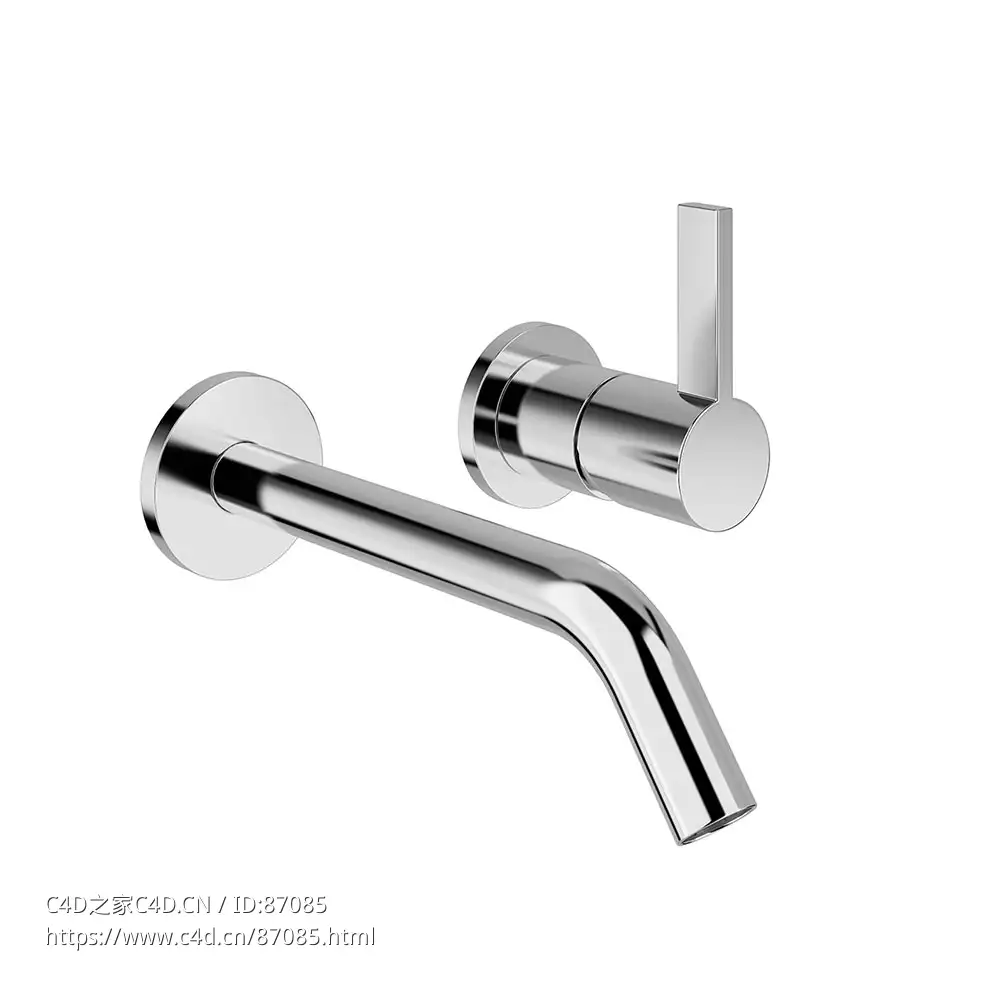
 Kartell 175毫米暗装单把面盆龙头入墙式面盆龙头3D模型素材下载Kartell Concealed Sin
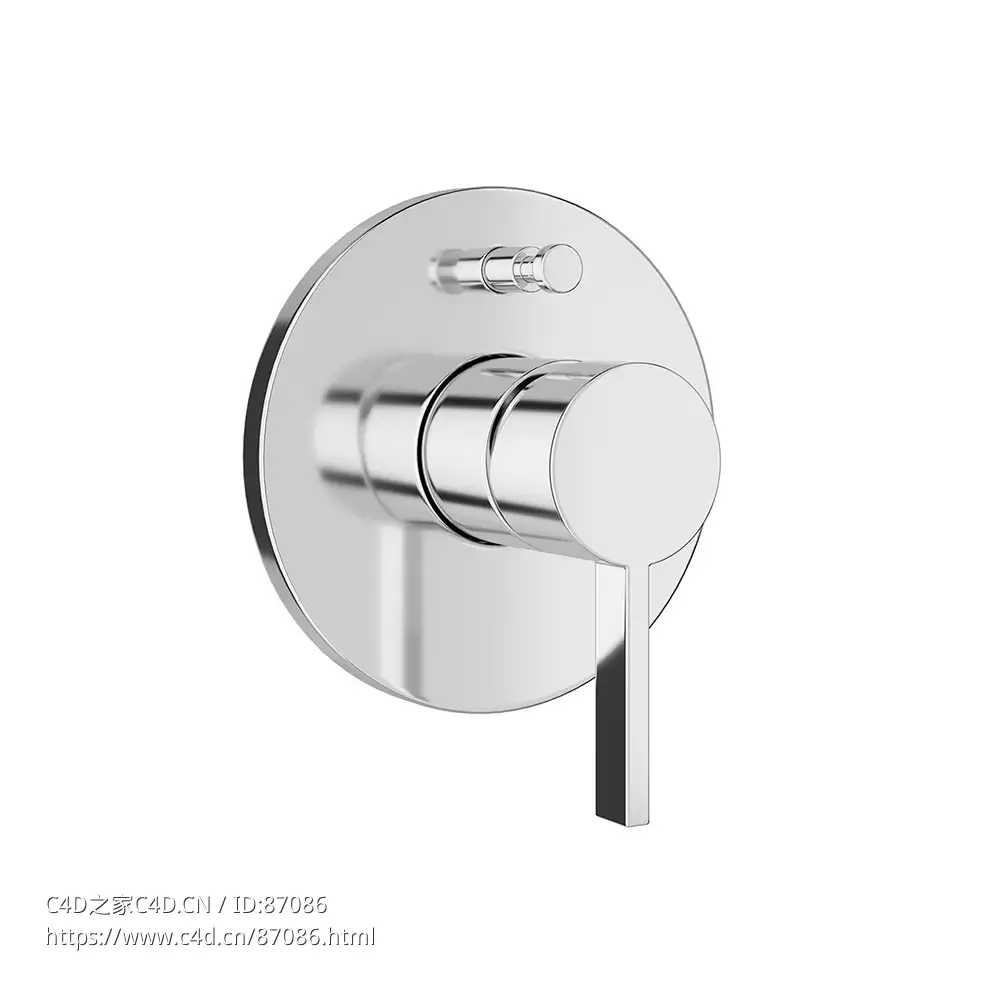
- Kartell 暗装单把浴缸龙头带切换器入墙式浴缸龙头3D模型素材下载Kartell Concealed Si
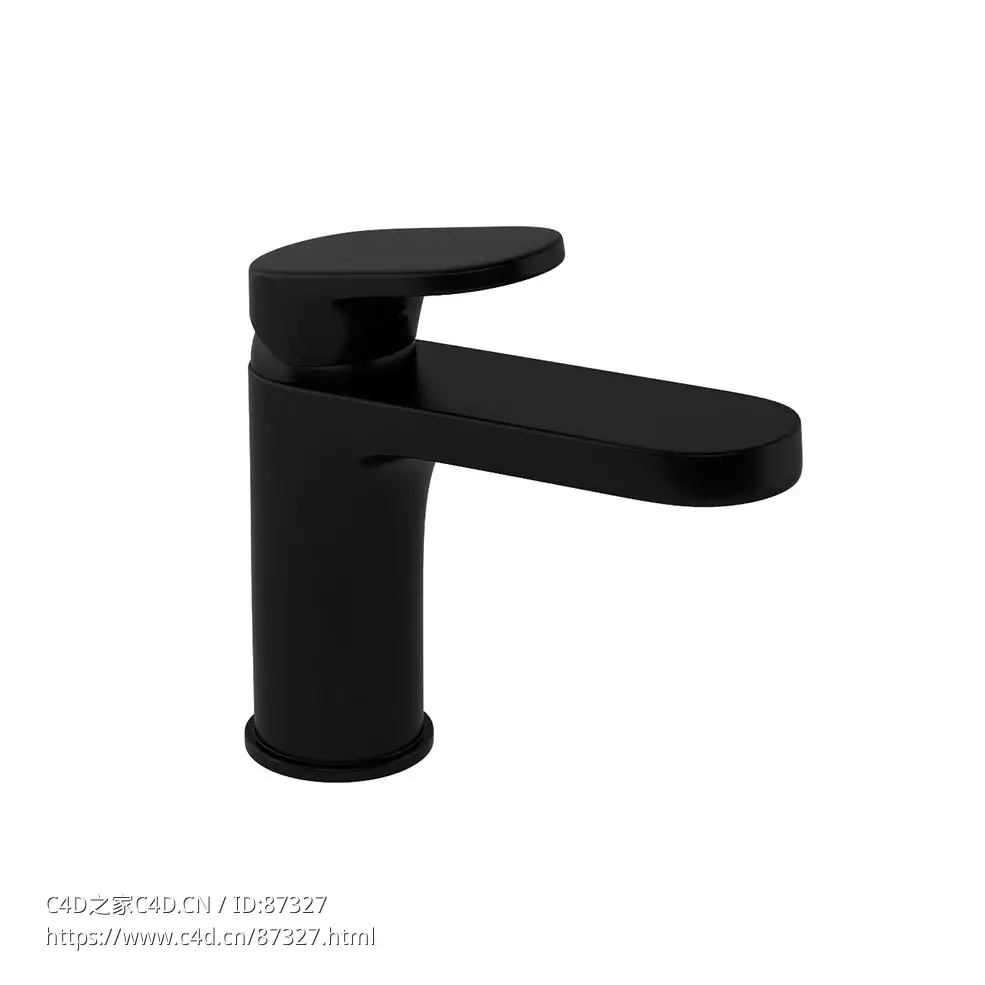
- Kartell 单把面盆龙头卫浴水龙头3D模型素材下载Kartell Single Lever Basin Mixer by
- Kartell 单把净身器龙头卫浴水龙头3D模型素材下载Kartell Single Lever Mixer Bidet b
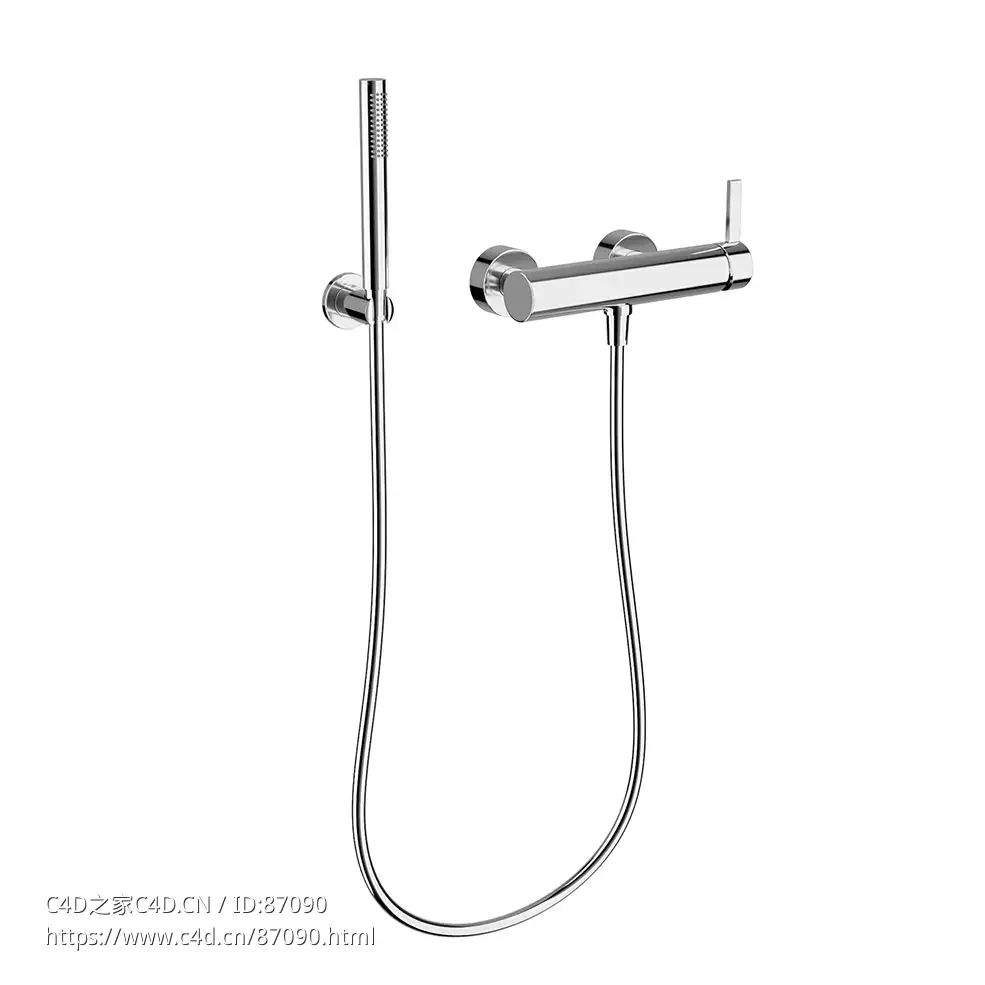
- Kartell 壁挂式单把花洒龙头淋浴水龙头3D模型素材下载Kartell Wall-Mounted Single Le
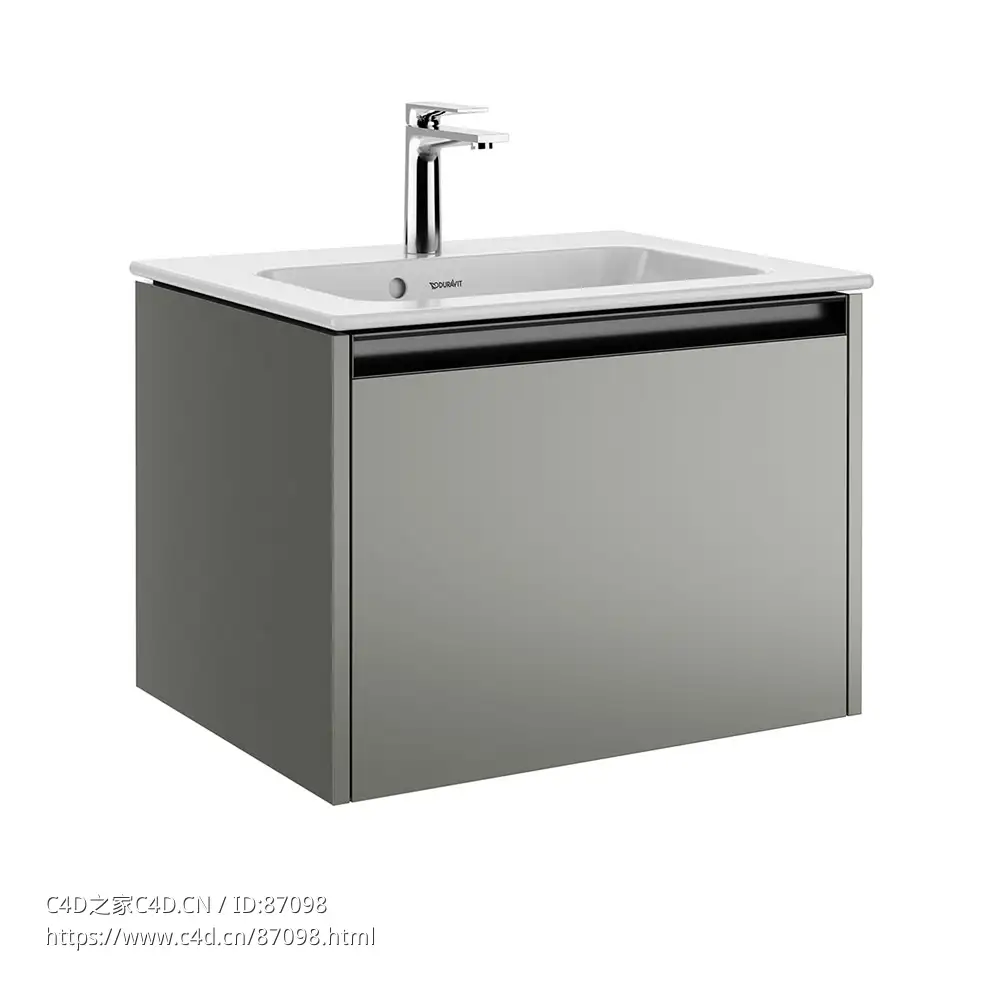
- Ketho 63厘米单盆浴室柜洗漱台3D模型素材下载Ketho 2 Single Vanity Unit 63 by Durav
- Ketho 壁挂式单盆浴室柜洗漱台3D模型素材下载Ketho 2 Single Wall Vanity Unit by Dur
- 线条单孔面盆龙头水龙头3D模型素材下载Linea An 21 Single Tap Washbasin Mixer by Az
- 单头回环壁灯壁灯3D模型素材下载Loopi Single Wall Sconce by Articolo Studios
- 美琳娜单头吊灯 (Hand & Eye工作室吊灯)3D模型素材下载Melina Pendant Lamp Single by
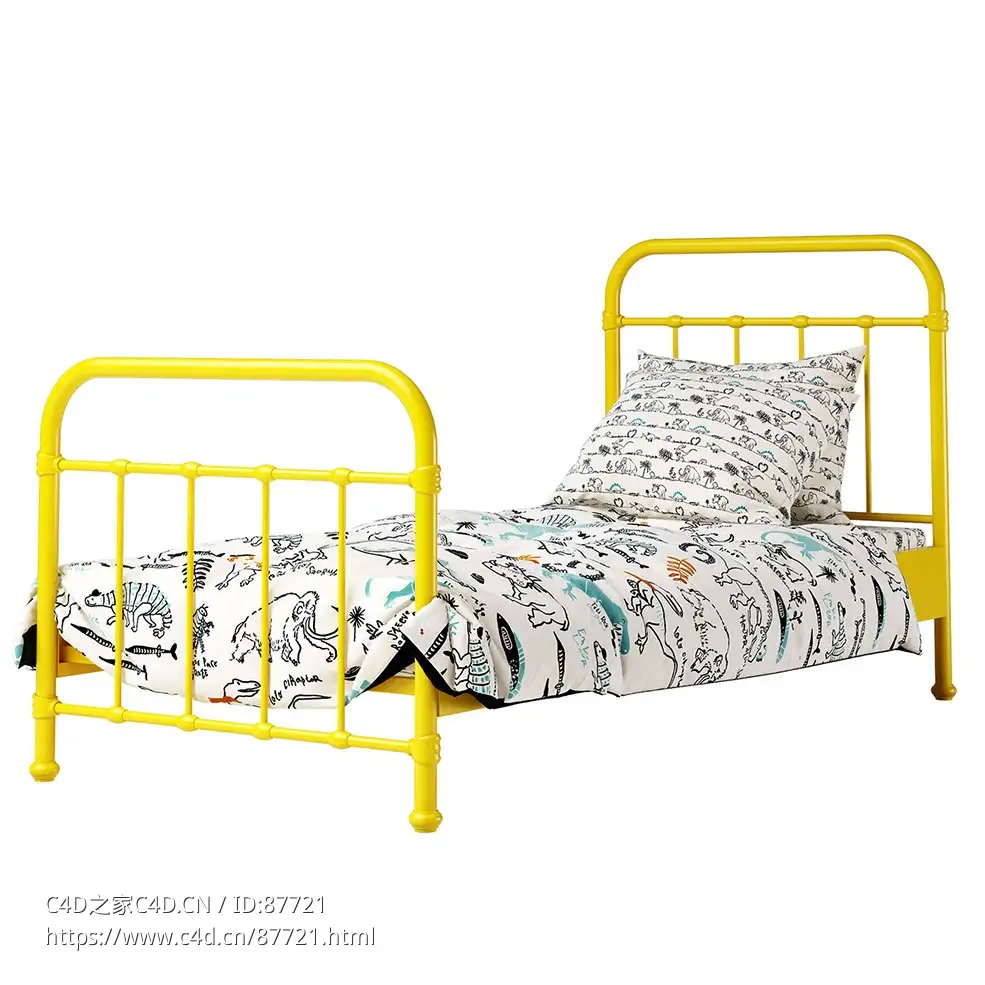
- 纽约单人床Vipack家具3D模型素材下载New York Single Bed by Vipack
- Leds C4单杆落地灯3D模型素材下载Nude Single Floor Lamp by Leds C4
- Nidi儿童实木单人床3D模型素材下载Nuk Single Bed Woody by Nidi
- 单支花器3D模型素材下载Single Stem Vessel by Simone Bodmer Turner
- 斯皮洛科技单把手龙头Fima Carlo Frattini现代龙头3D模型素材下载Spillo Tech Single
- 汉斯格雅Talis E单把手浴缸花洒龙头3D模型素材下载Talis E Single Lever Bath Shower
- 图卢姆加长单把面盆龙头卫浴龙头3D模型素材下载Tulum Single Lever Basin Mixer XL by
- 德西雷单人梳妆床卧室家具3D模型素材下载Vanity Single Bed by Desiree Divani
- MDF意大利单人桌系统办公家具3D模型素材下载Venti Single Table System by MDF Italia
- 拉链单人床头板床Calligaris家具3D模型素材下载Zip Bed with Single Headboard by Cal

-
2015-05-17
-
C4D FOR MAXWELL渲染器中的多灯MultiLight 功能体验
2015-05-17
-
2014-03-02
-
2014-03-02
-
2014-03-02






Comment :8